Get started with Vezmo
Open your account, find your way around the dashboard and get ready to take your first payment.
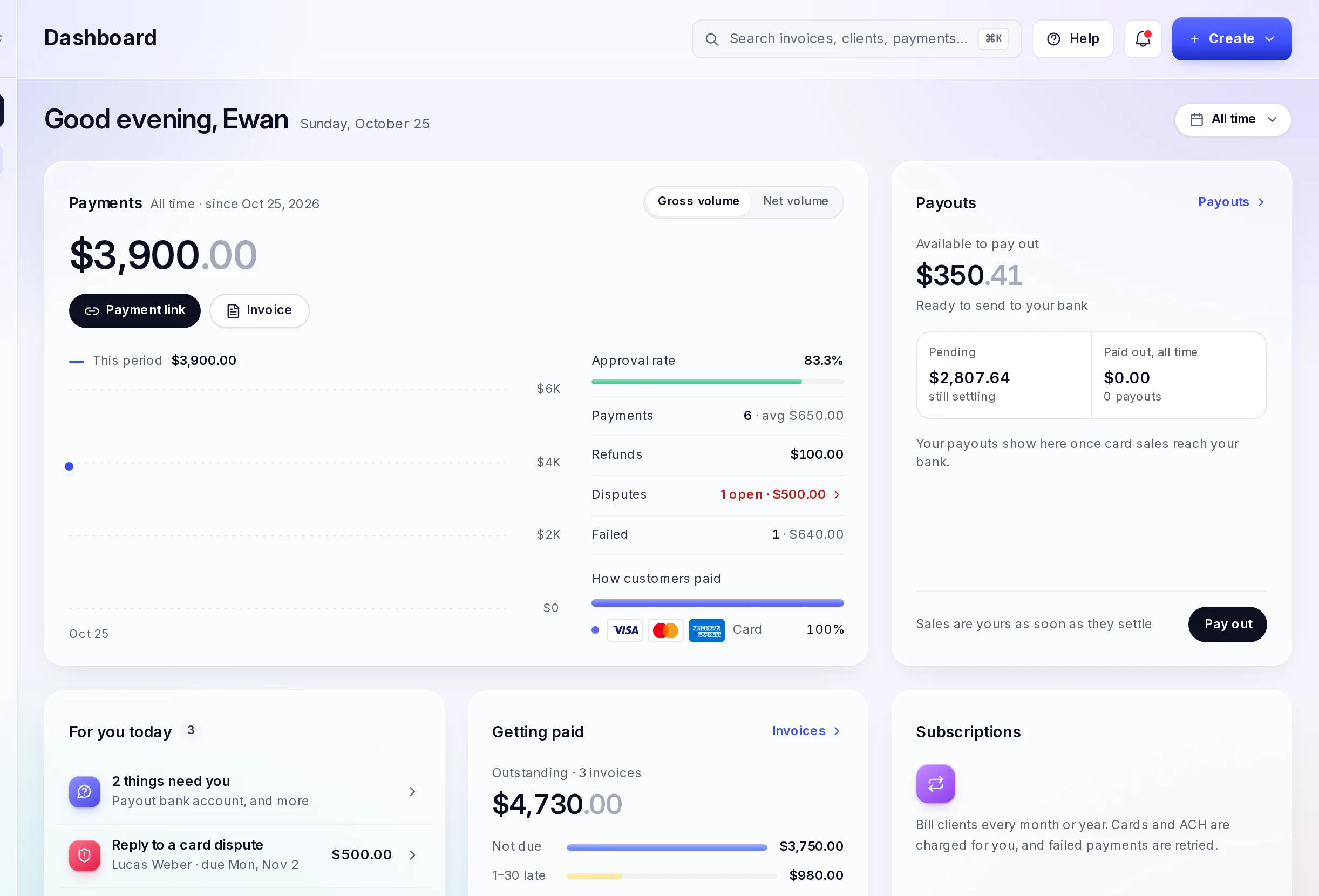
Vezmo is one dashboard for getting paid and running your business: payment links, invoices and checkout, plus clients, proposals, agreements and bookkeeping. You sign in at user.vezmo.com.
Before you take a payment
Create your account
Sign up at user.vezmo.com/sign-up with your work email and confirm it with the code we send you.
Verify your business
Tell us about your business and the people who own and run it. We review it before you can take live payments. The To-do page in the dashboard lists anything we still need from you.
Activate VezmoPay
VezmoPay is how your customers pay you by card, bank and wallet. Once it is active, your payment links, invoices and checkout can take payments. Until then, a payment link shows customers that no payment method is available.
Try it in test mode
Switch on Test mode in the VezmoPay menu to try payments with test card details. Test payments never move real money.
Find your way around
The menu on the left of the dashboard has everything in one place:
| Menu | What you do there |
|---|---|
| Dashboard | Your business at a glance. |
| To-do | Everything we need from you, and anything waiting on your answer. |
| Payments | Invoices, Payment Links, Payment History and VezmoPay. |
| Clients, Projects, Proposals, Agreements | Work with your clients from first proposal to signed agreement. |
| Services & Products, Promo Codes | Your catalog and discounts. |
| Ledger, Reports | Your books and reports. |
| Settings | Your business, team and preferences. |
Next
Facts checked against the product on 25 Oct 2026.
Was this page helpful?