Get paid
Every way your customers can pay you on Vezmo, where their payments show up, and what to know about taxes.
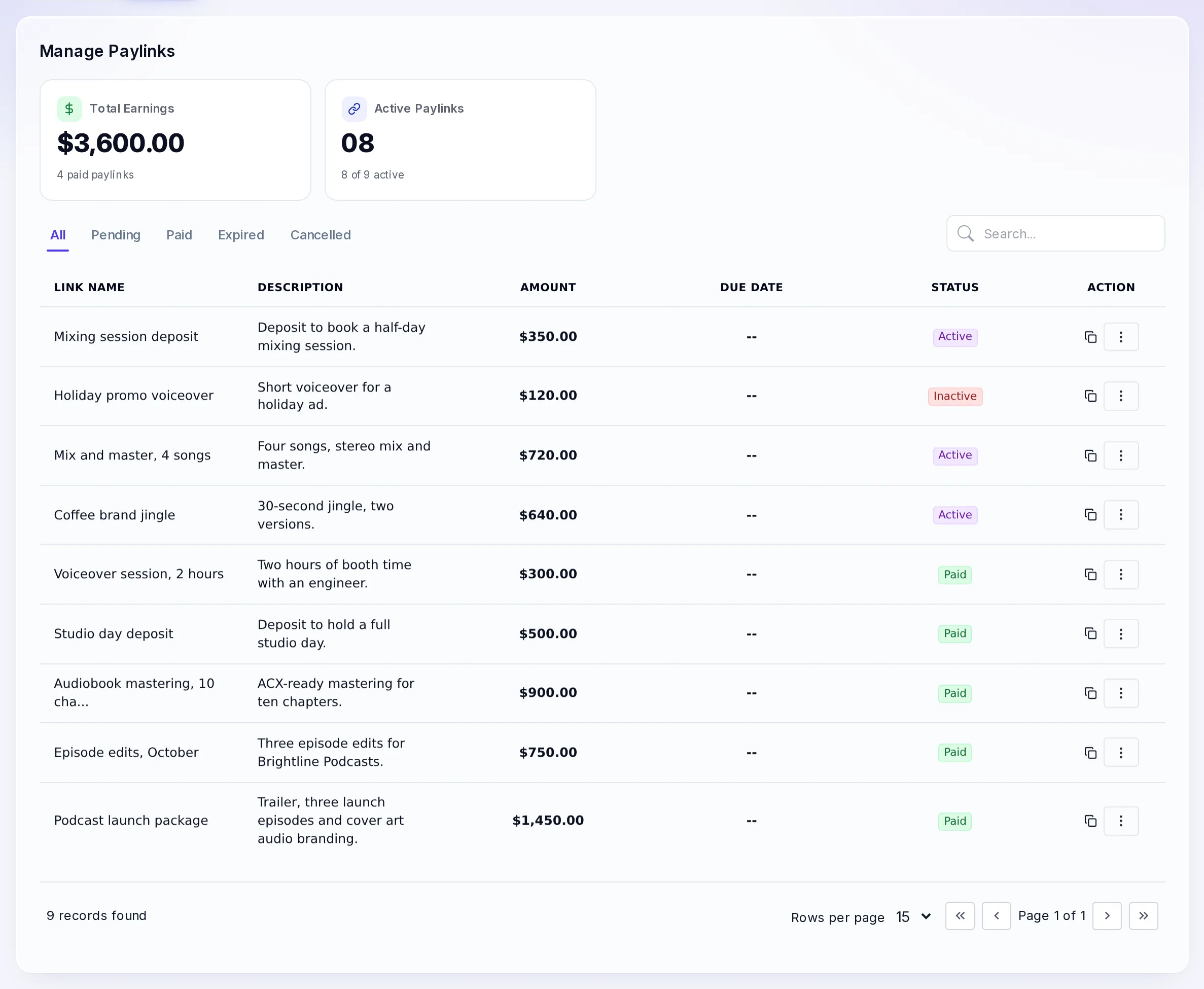
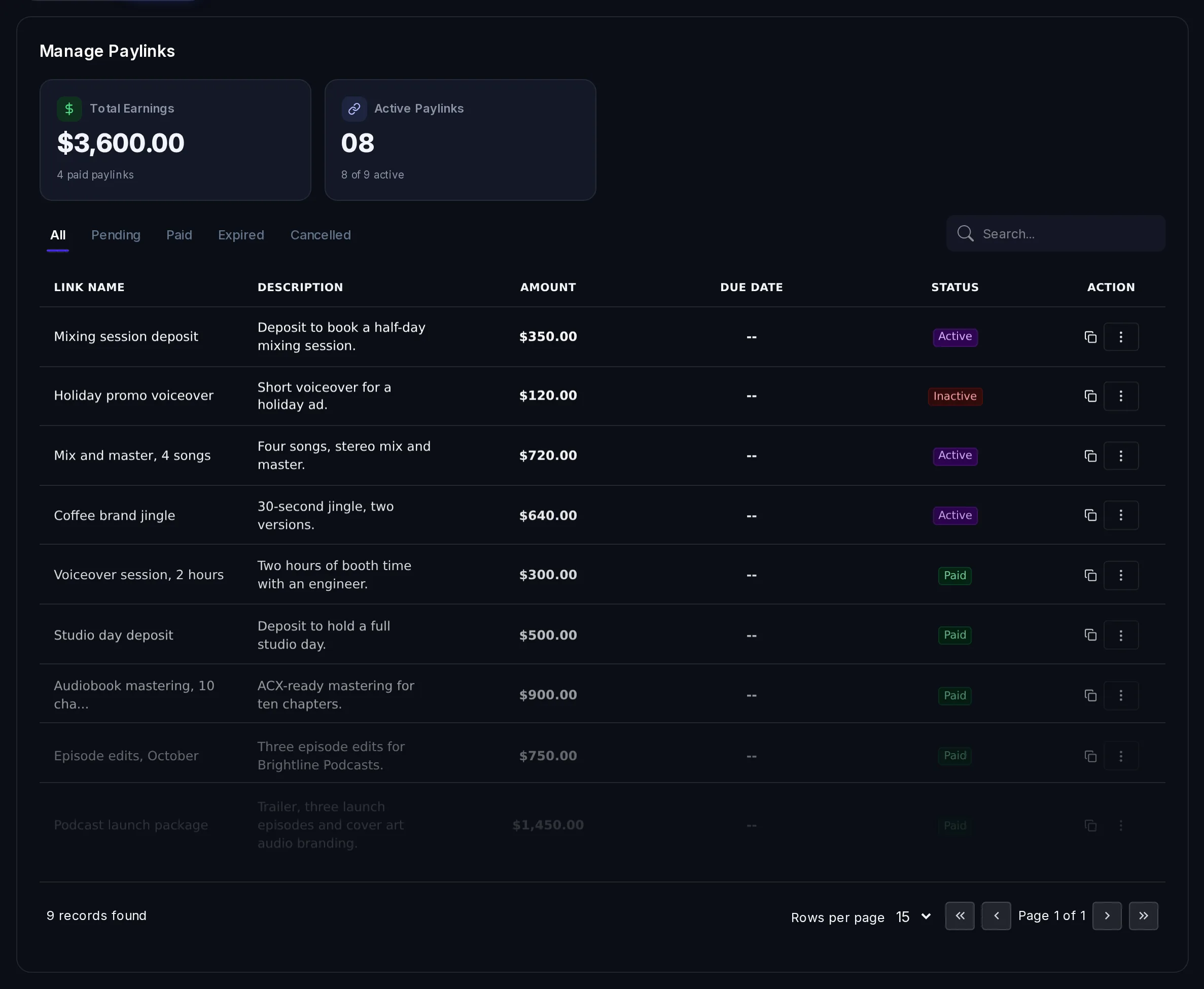
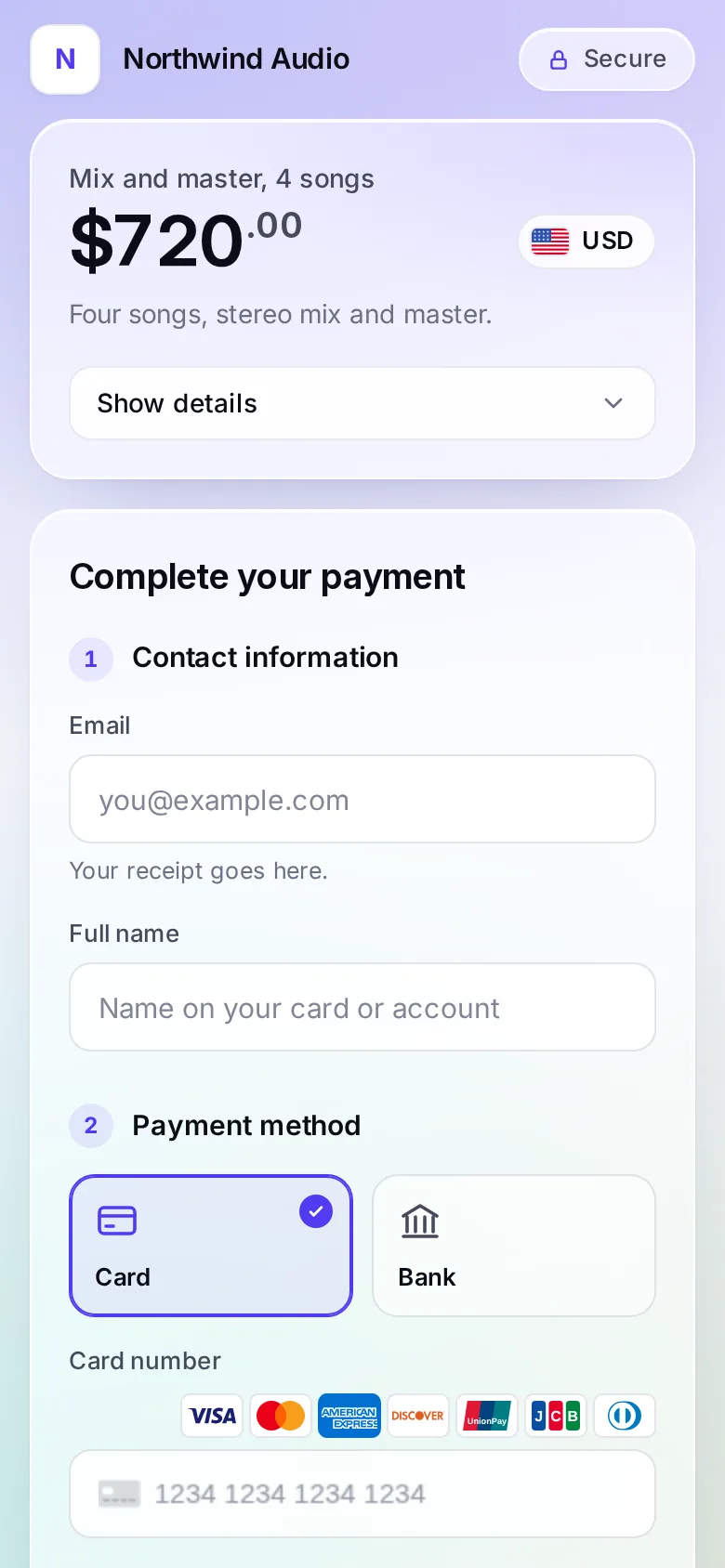
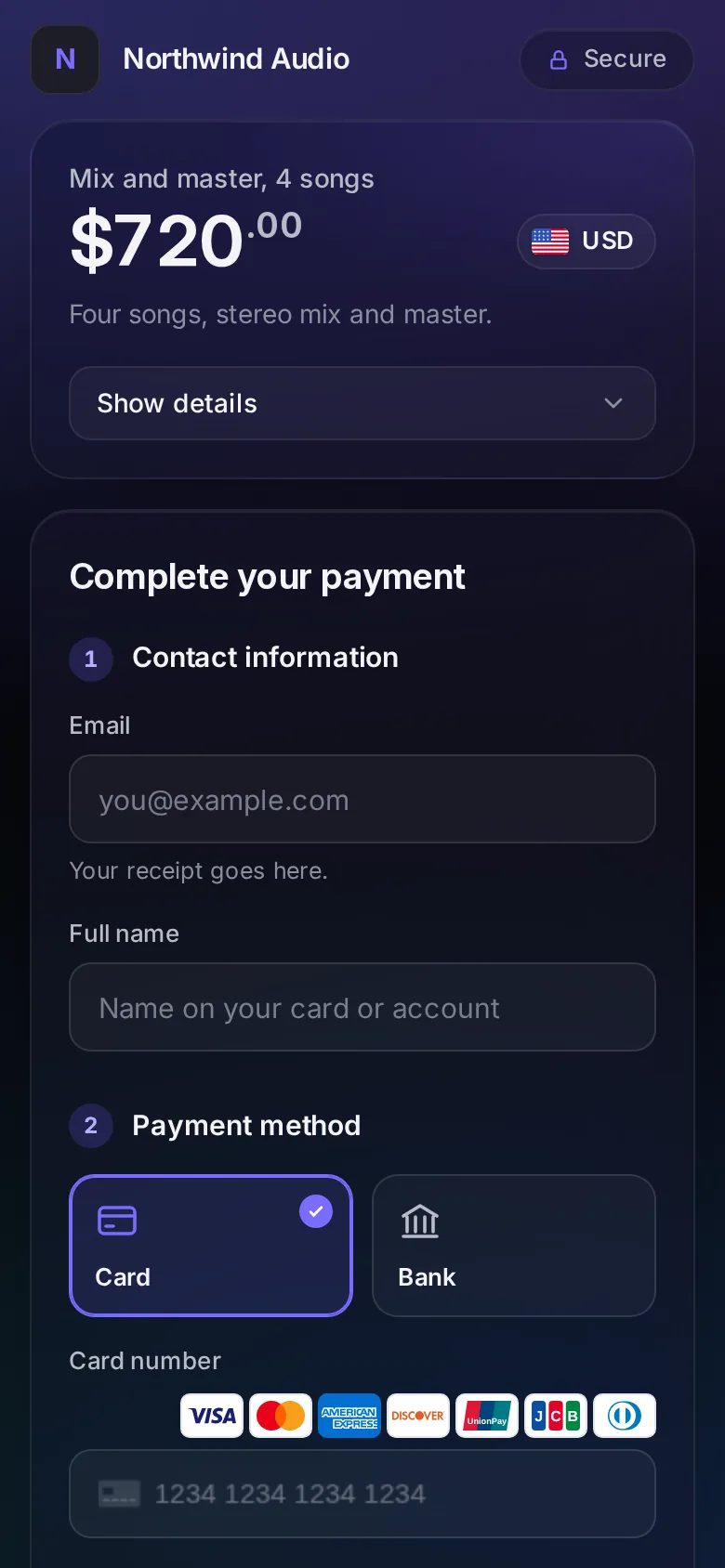
Customers pay you through VezmoPay, by card, bank payment and wallet, from a payment link, an invoice or a checkout on your site. Every payment then shows up in one list, VezmoPay › Transactions, with its fees and what reaches your balance.
Ways to get paid
| Way | Best for |
|---|---|
| Payment link | A link you send by email, text or chat. No website needed. |
| Invoice | Billing a client for work, with line items and a due date. |
| Product checkout | A page for each product or service in your catalog. |
| Your own site or app | Checkout and payments built with the API. |
Fees for each payment method are on the VezmoPay pricing page.
In this section
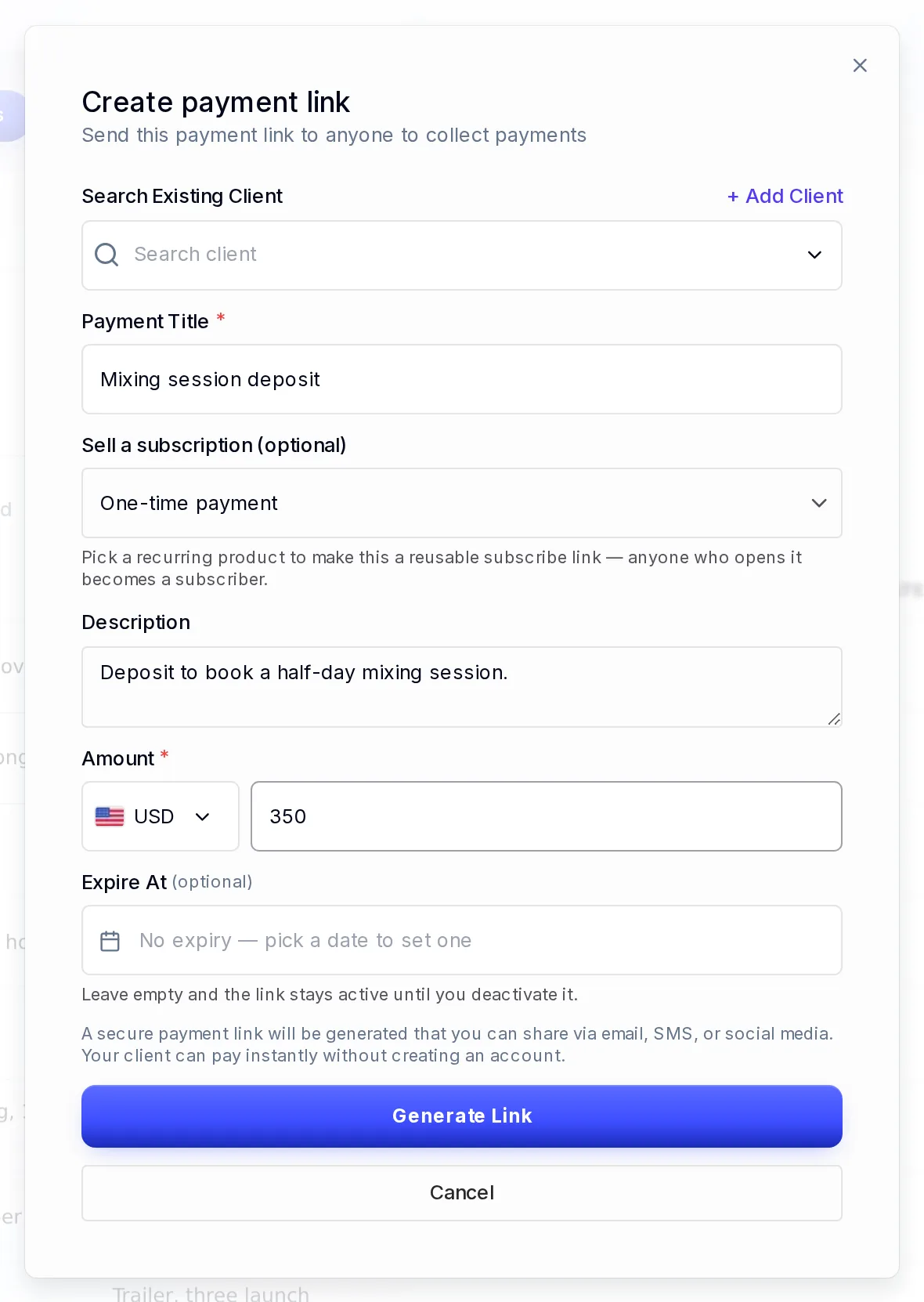
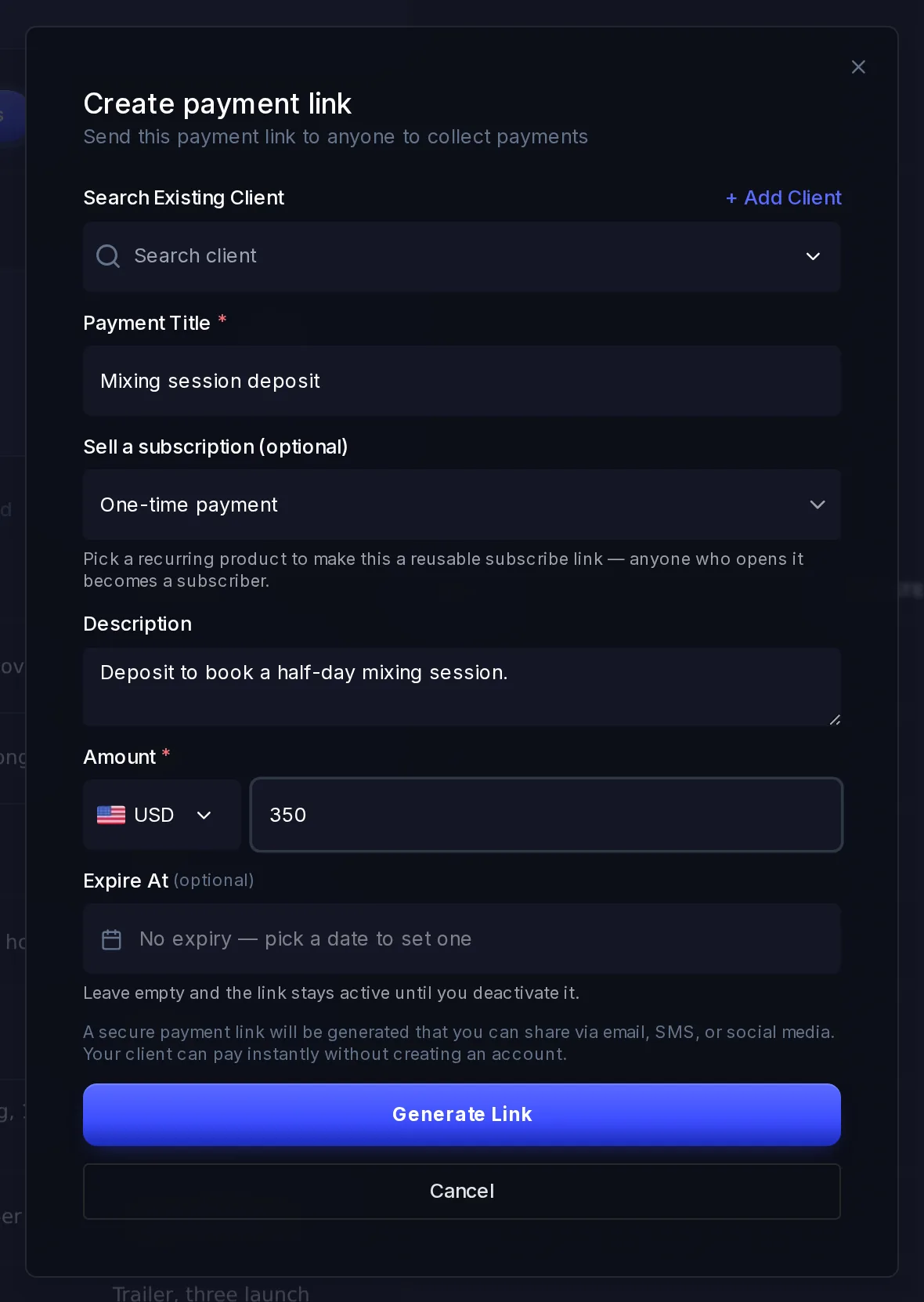
Payment links
Create a link for a set amount, send it to anyone by email, text or chat, and get paid by card, bank or wallet. No website needed.
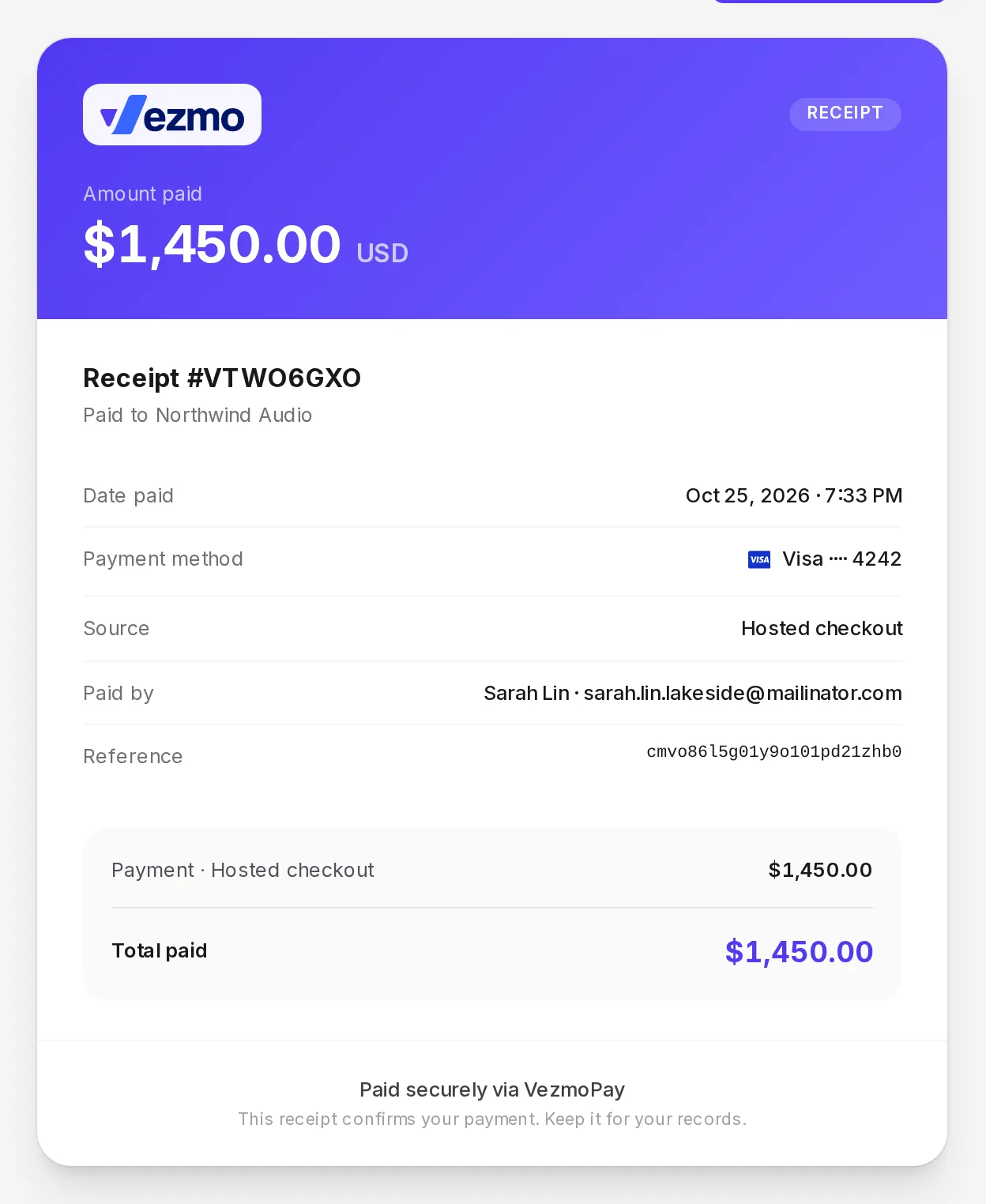
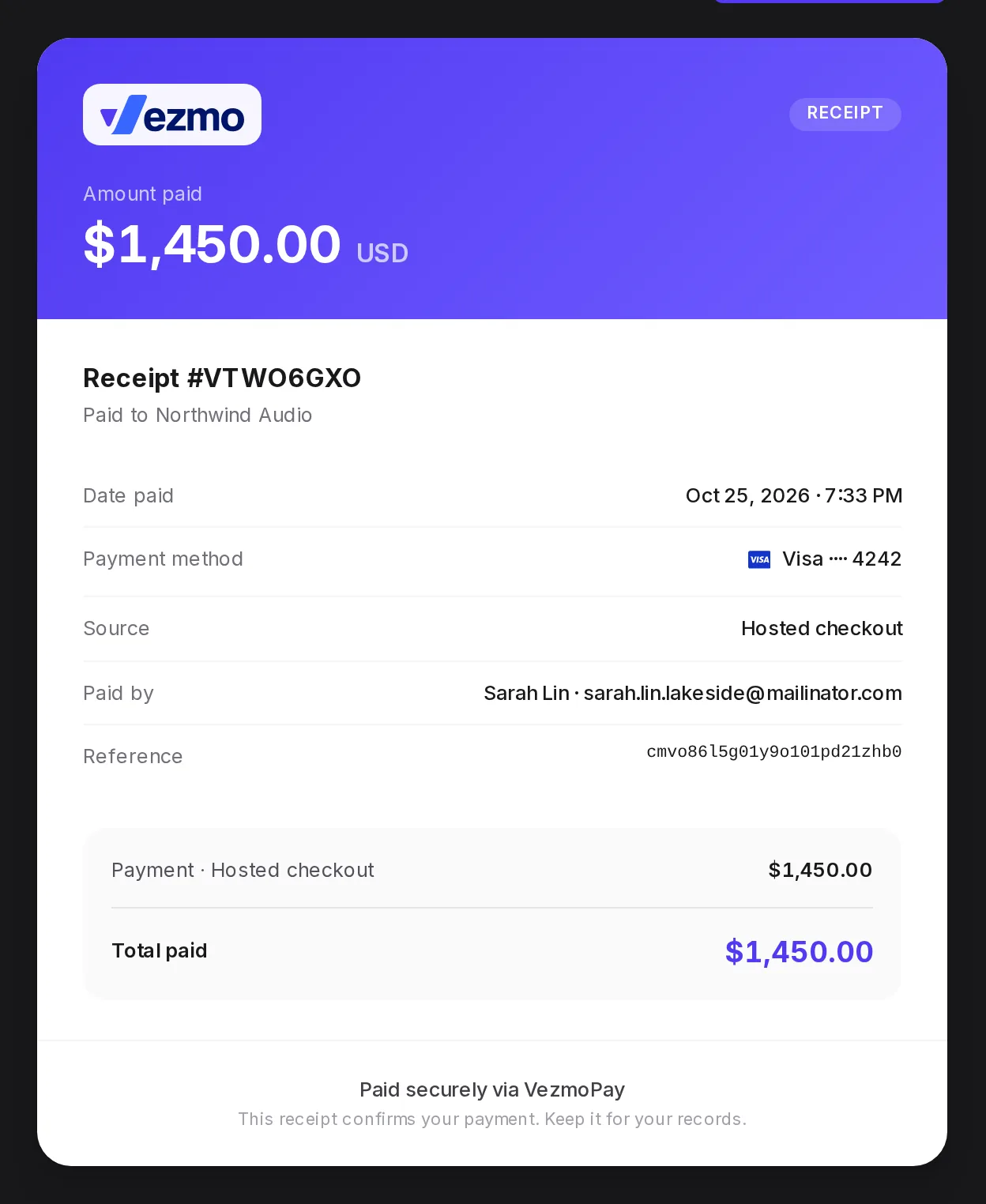
See a payment's details
Find any payment, see what your customer paid, the fees, what reaches your balance and when, how they paid, and refund or answer a dispute.
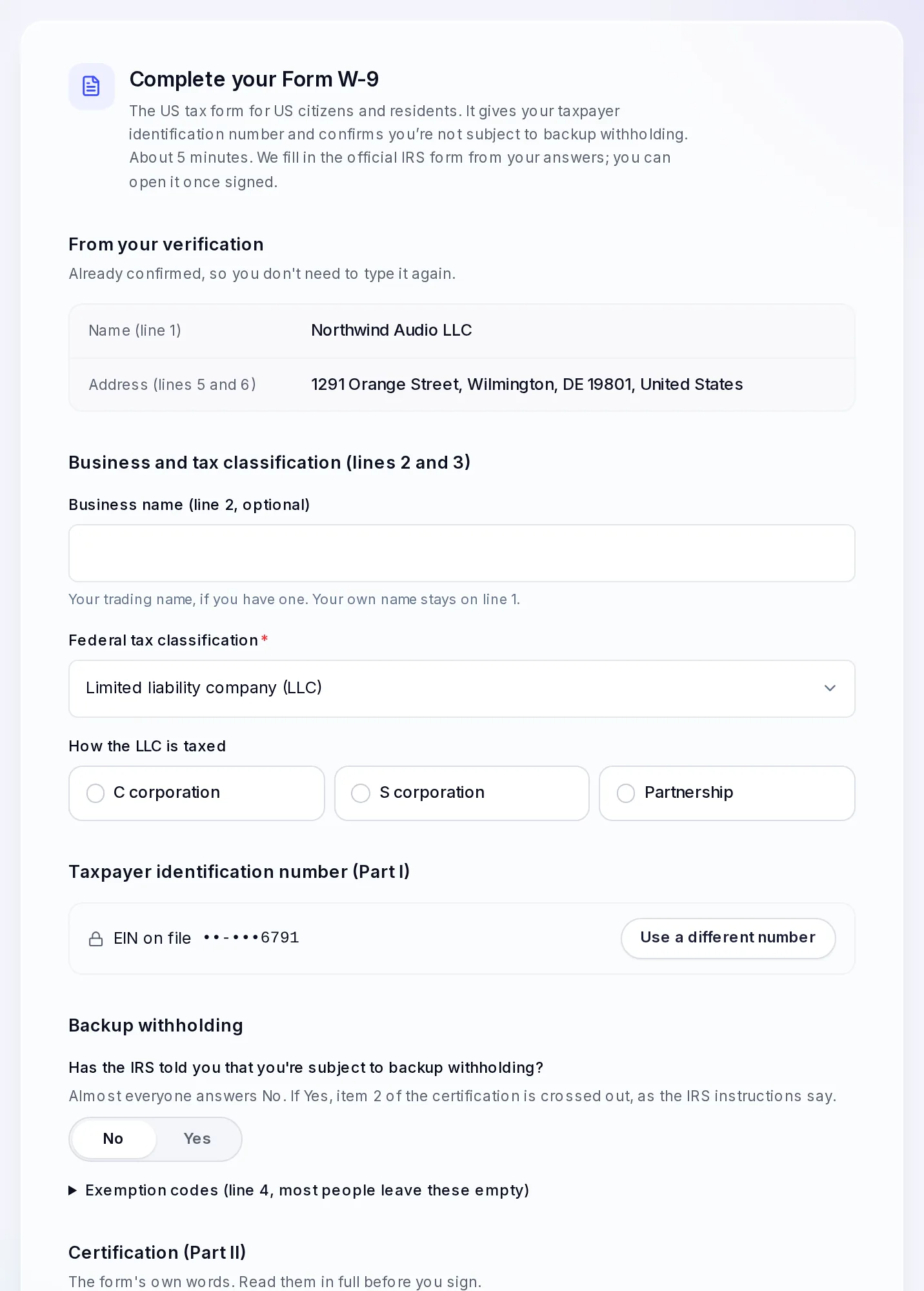
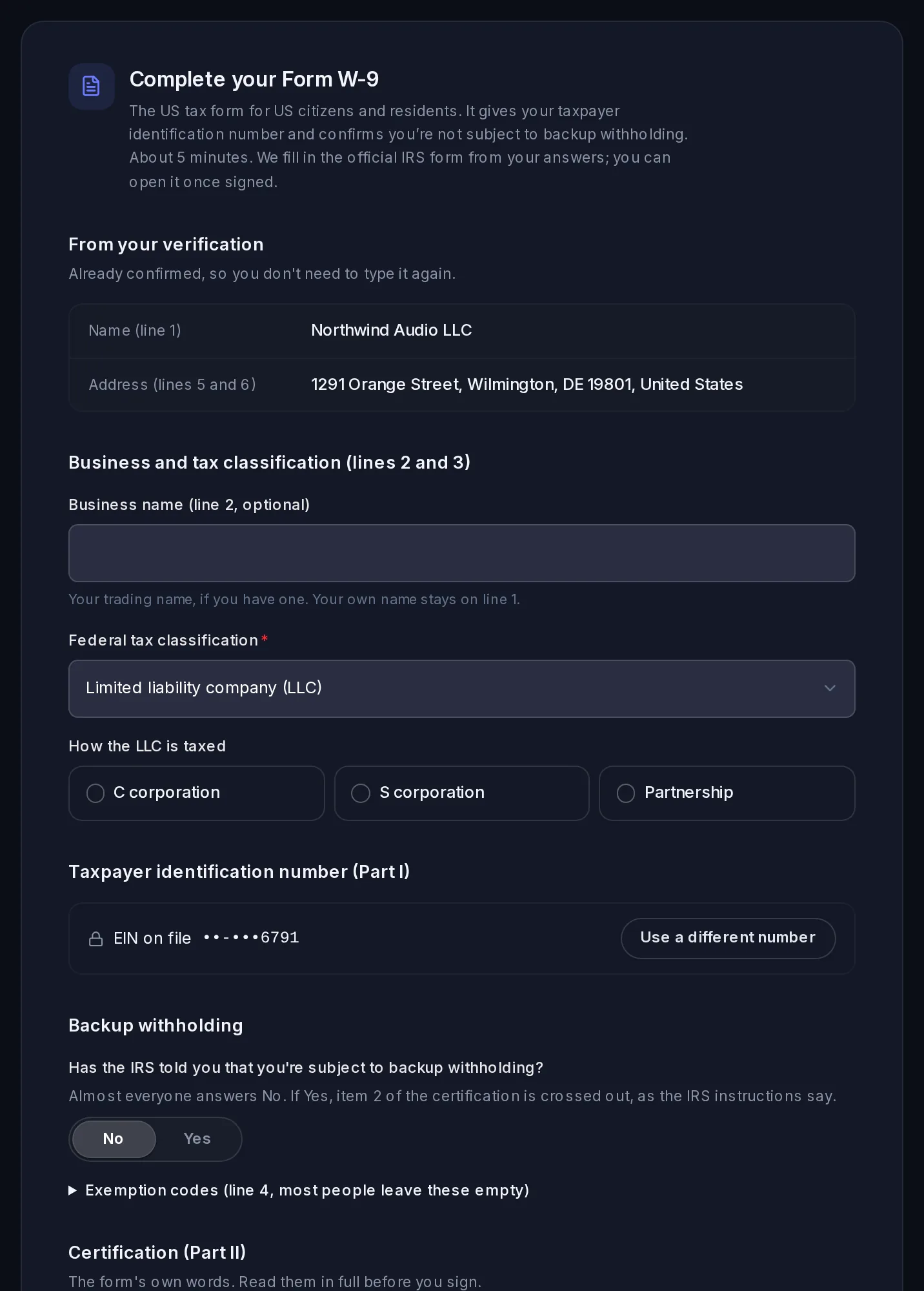
Taxes and tax forms
Which US tax form to give us and when, how to sign it in the dashboard, where to see your 1099-K status and download your tax documents, and how tax works on invoices.
Facts checked against the product on 25 Oct 2026.
Was this page helpful?