Vezmo Docs
How to get paid and run your business on Vezmo
Step-by-step guides with real screens from the dashboard, for business owners and developers.
Start with a task
See how it works
Every guide shows the real screens, so you know exactly where to click.
Payment links and checkout
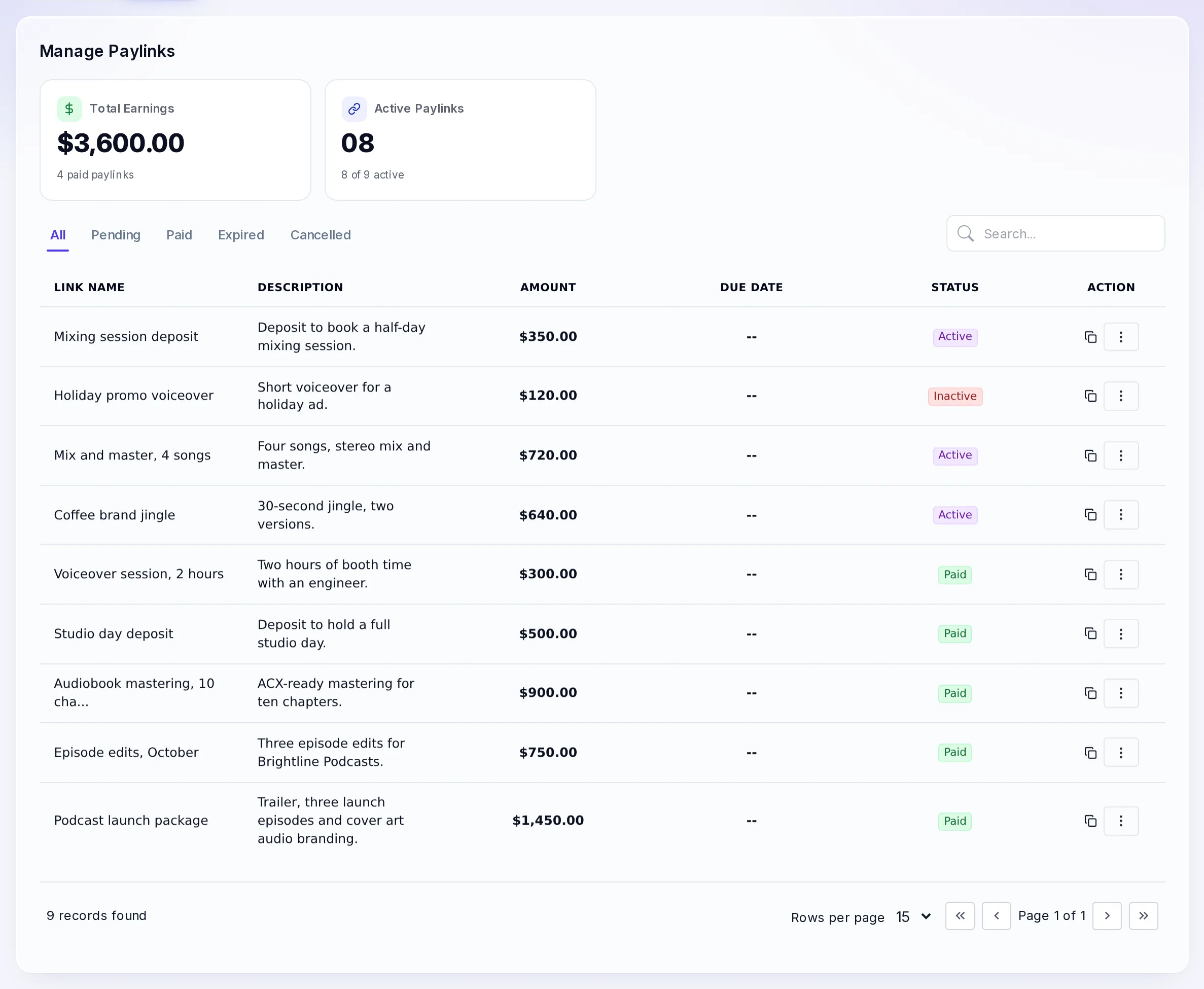
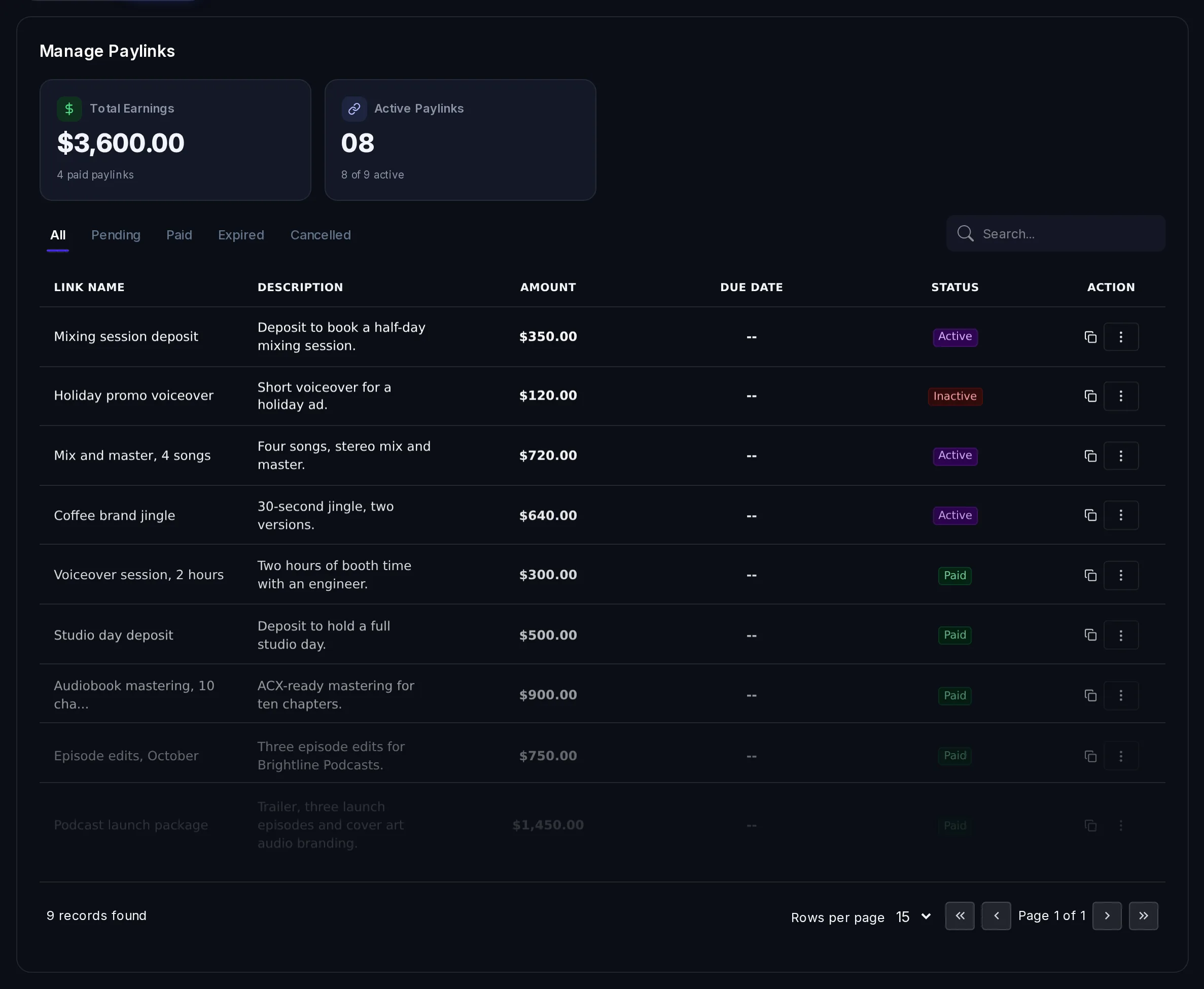
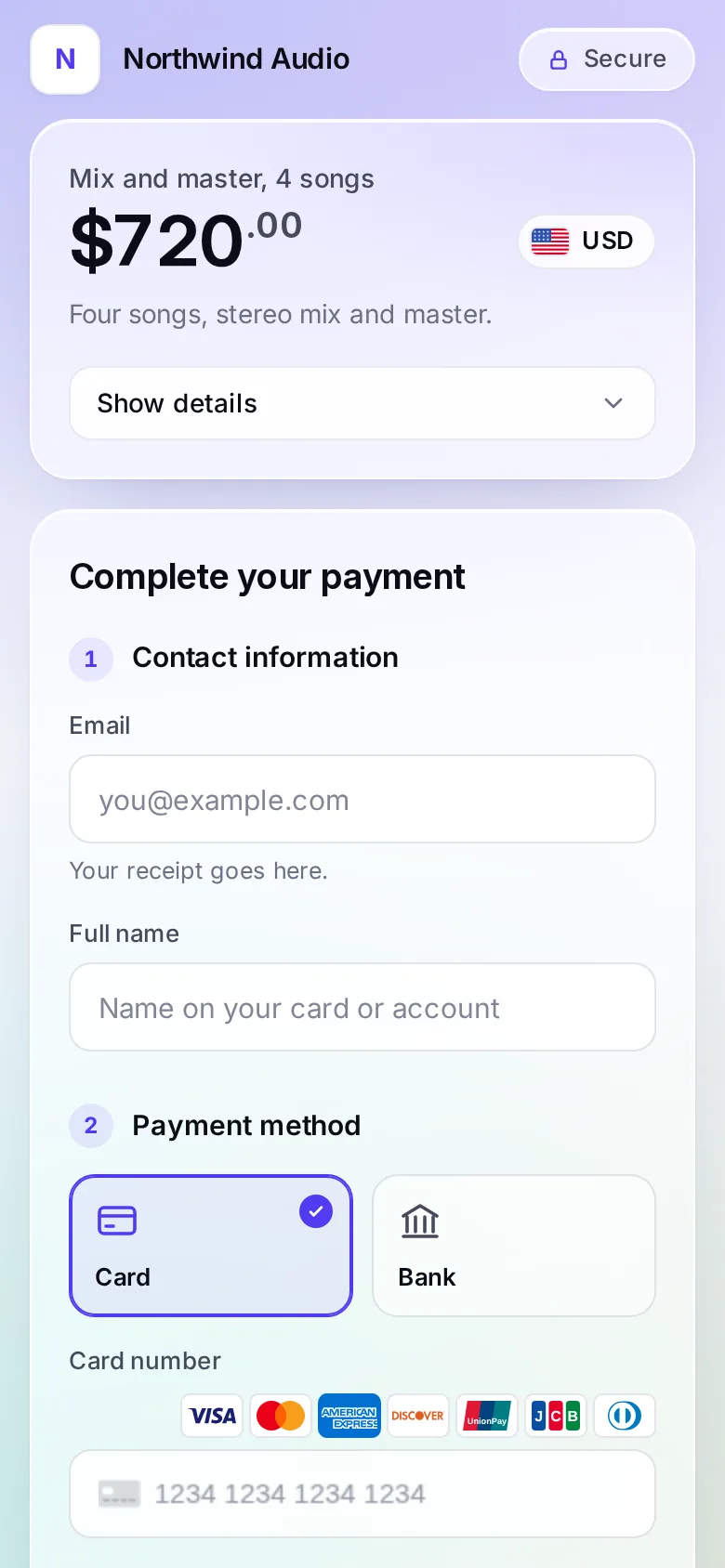
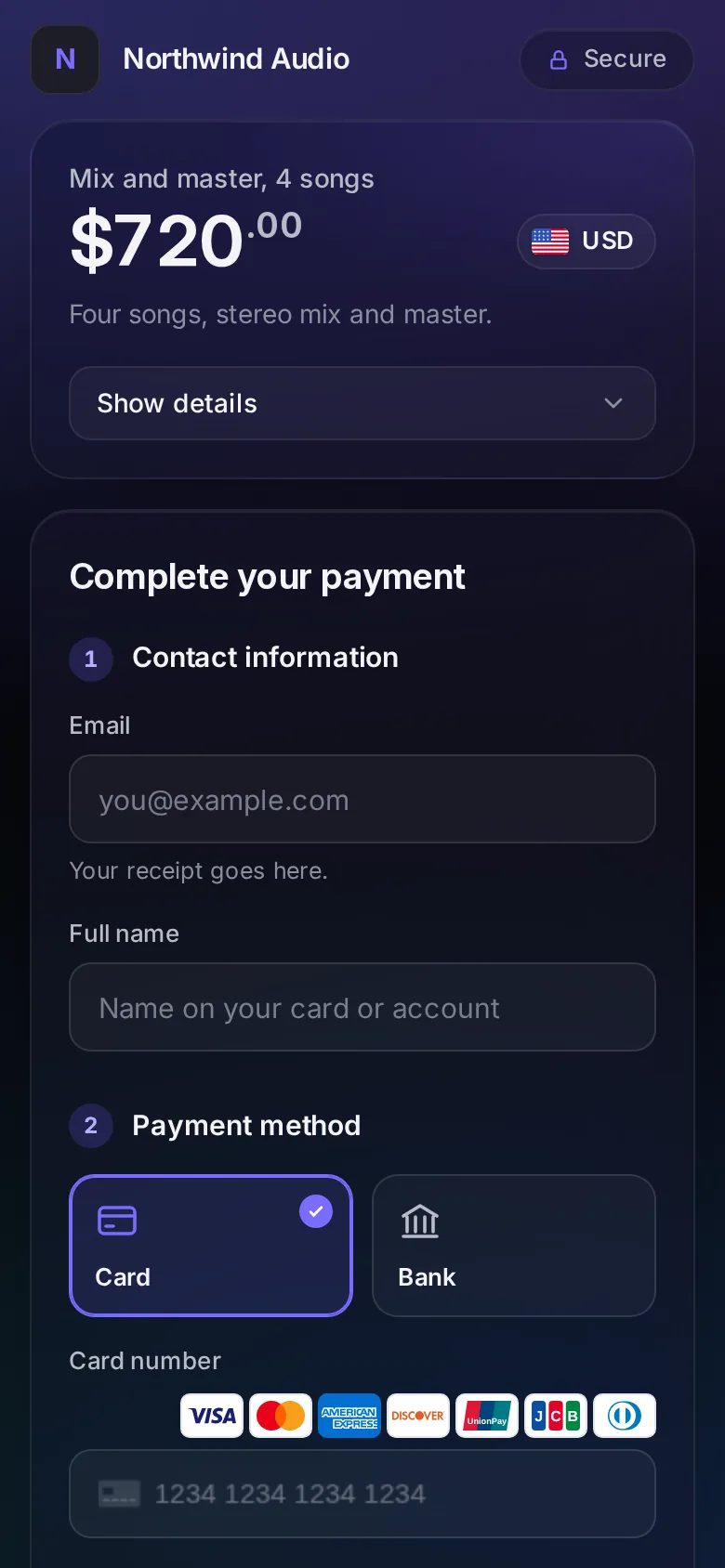
Share a link by email, text or chat. Your customer pays by card, bank or wallet on a checkout with your name on it.
Taxes and tax forms
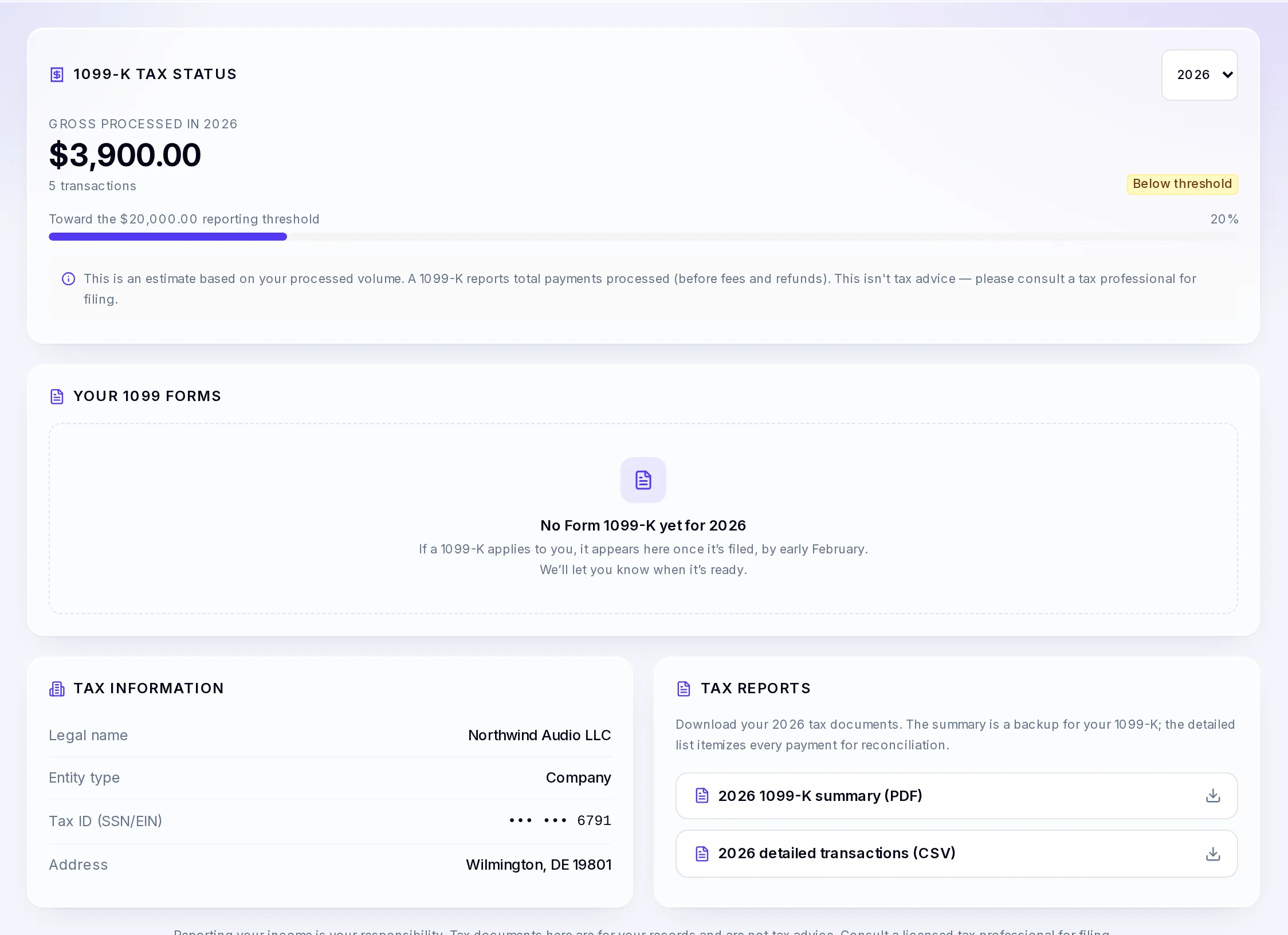
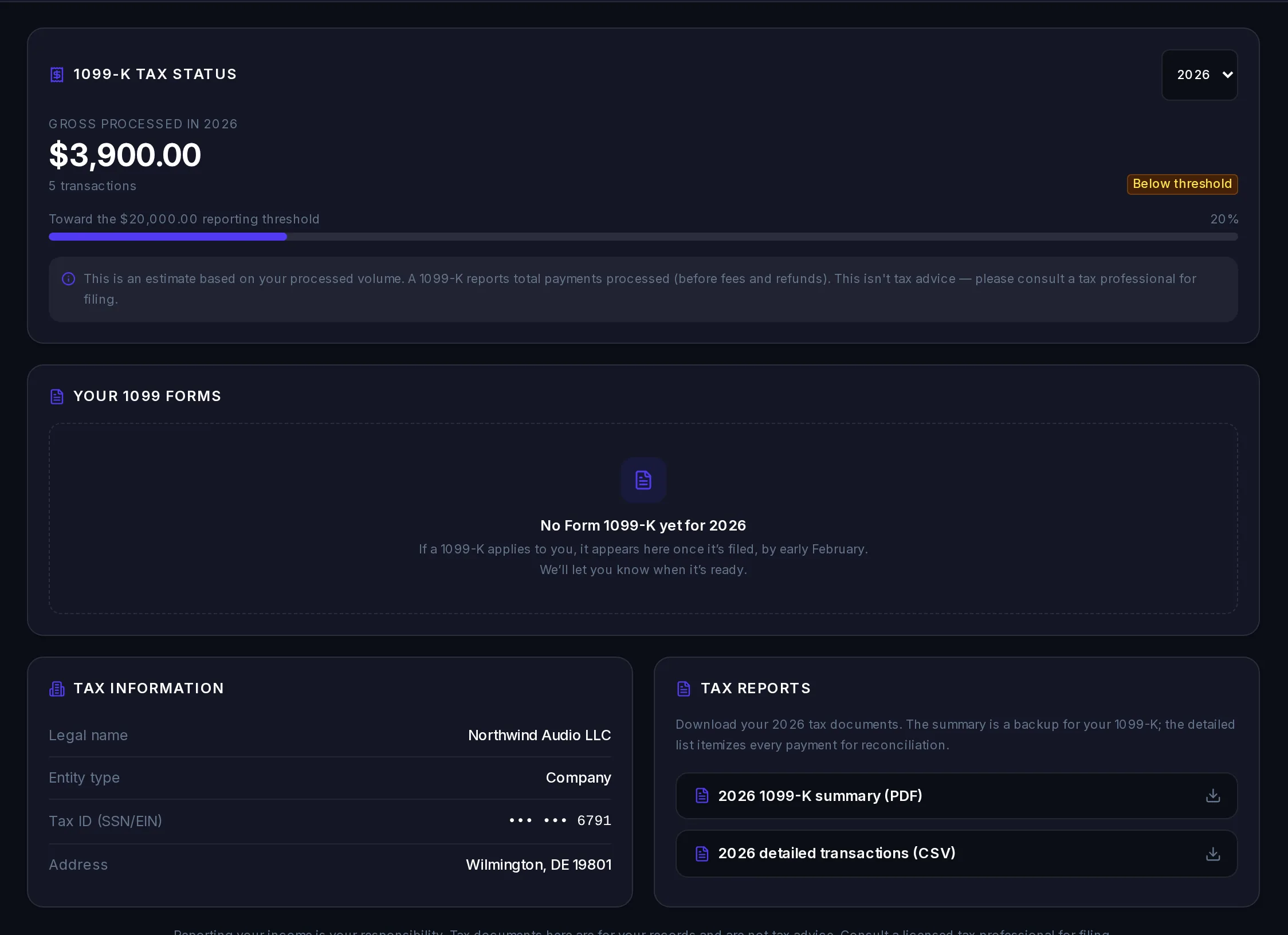
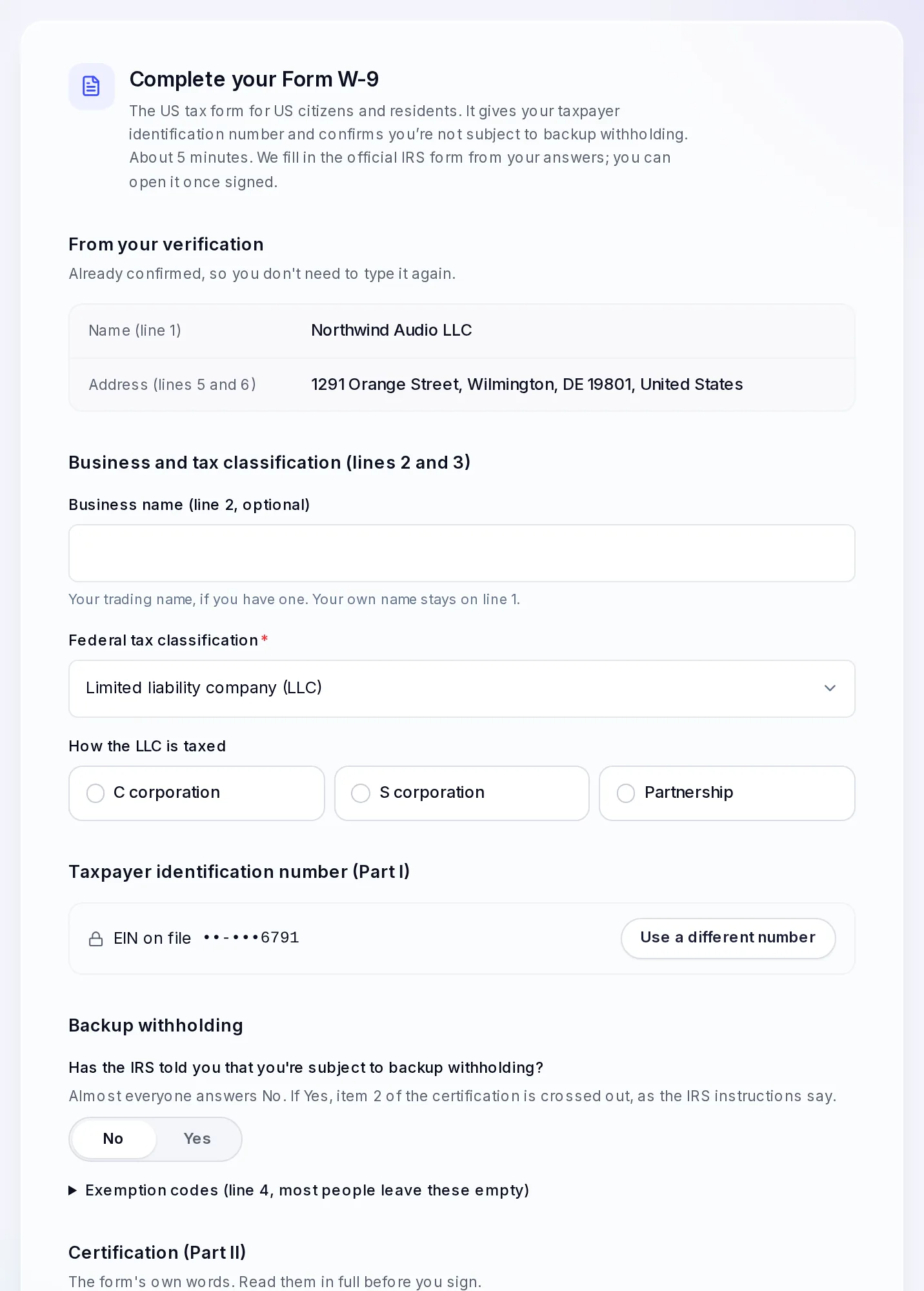
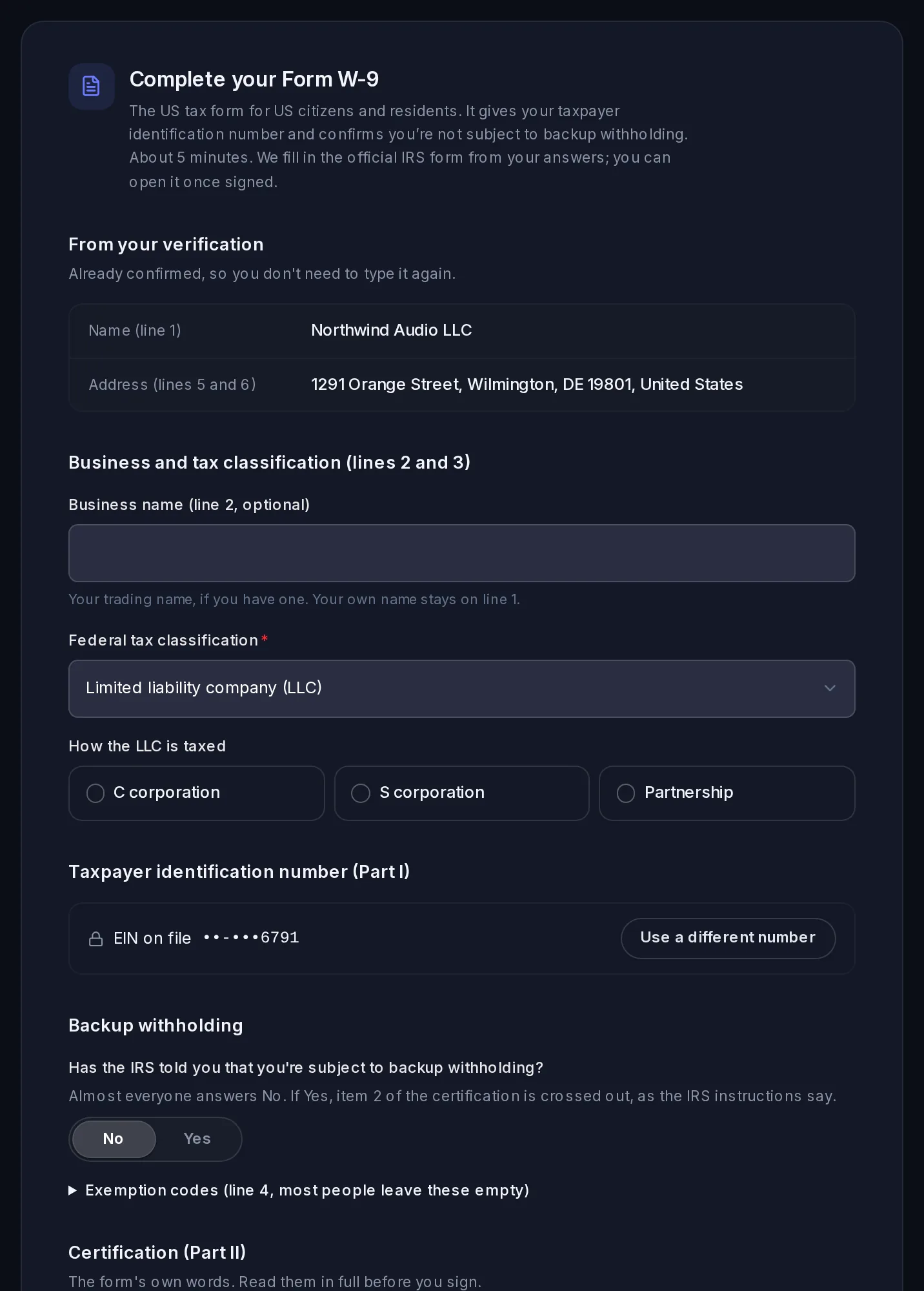
See how close you are to the 1099-K threshold, add your tax ID with Form W-9, and download the year's summary and every payment.
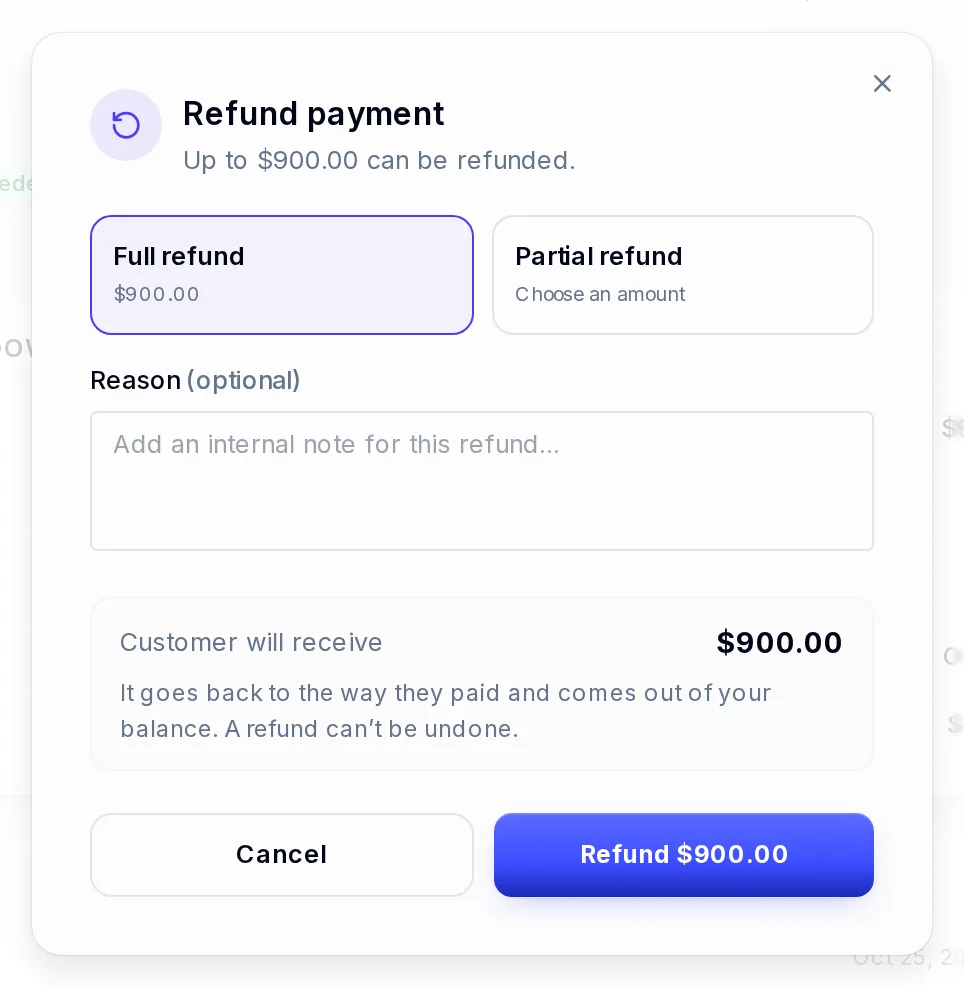
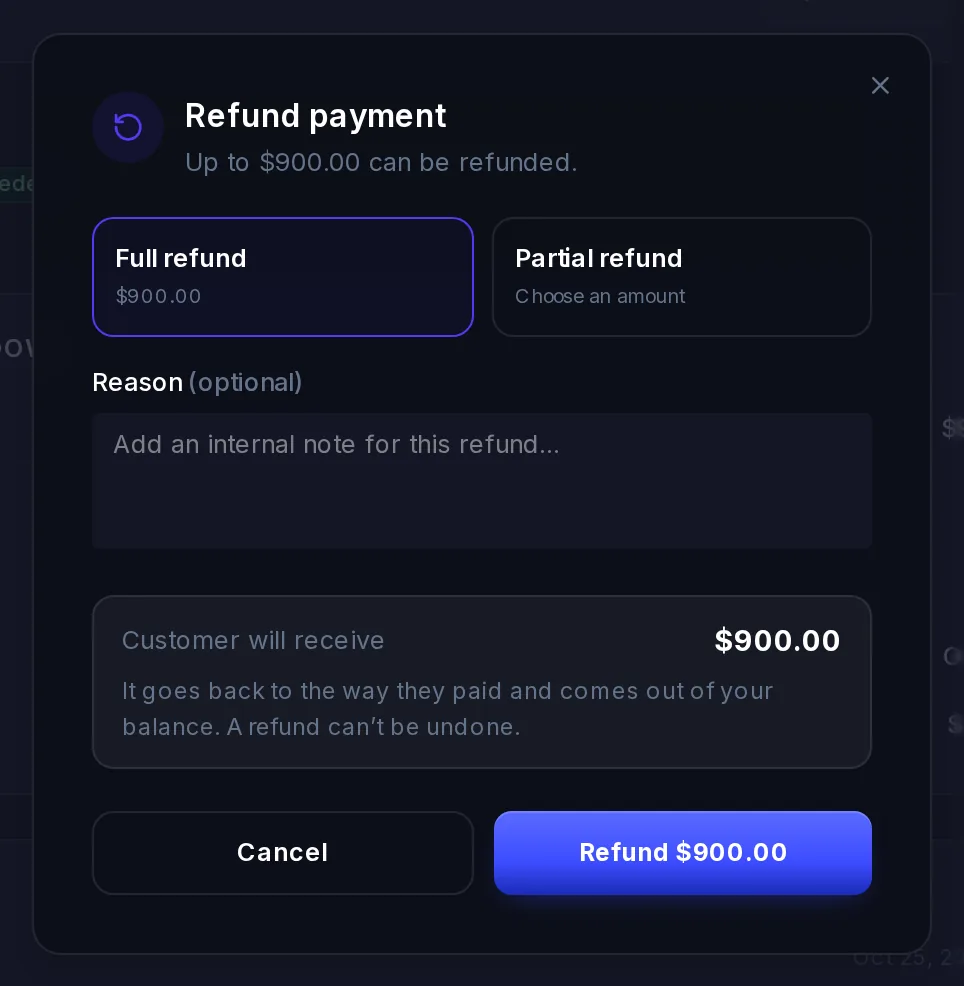
Refunds
Refund all or part of a payment from its page. It goes back the way the customer paid and comes out of your balance.
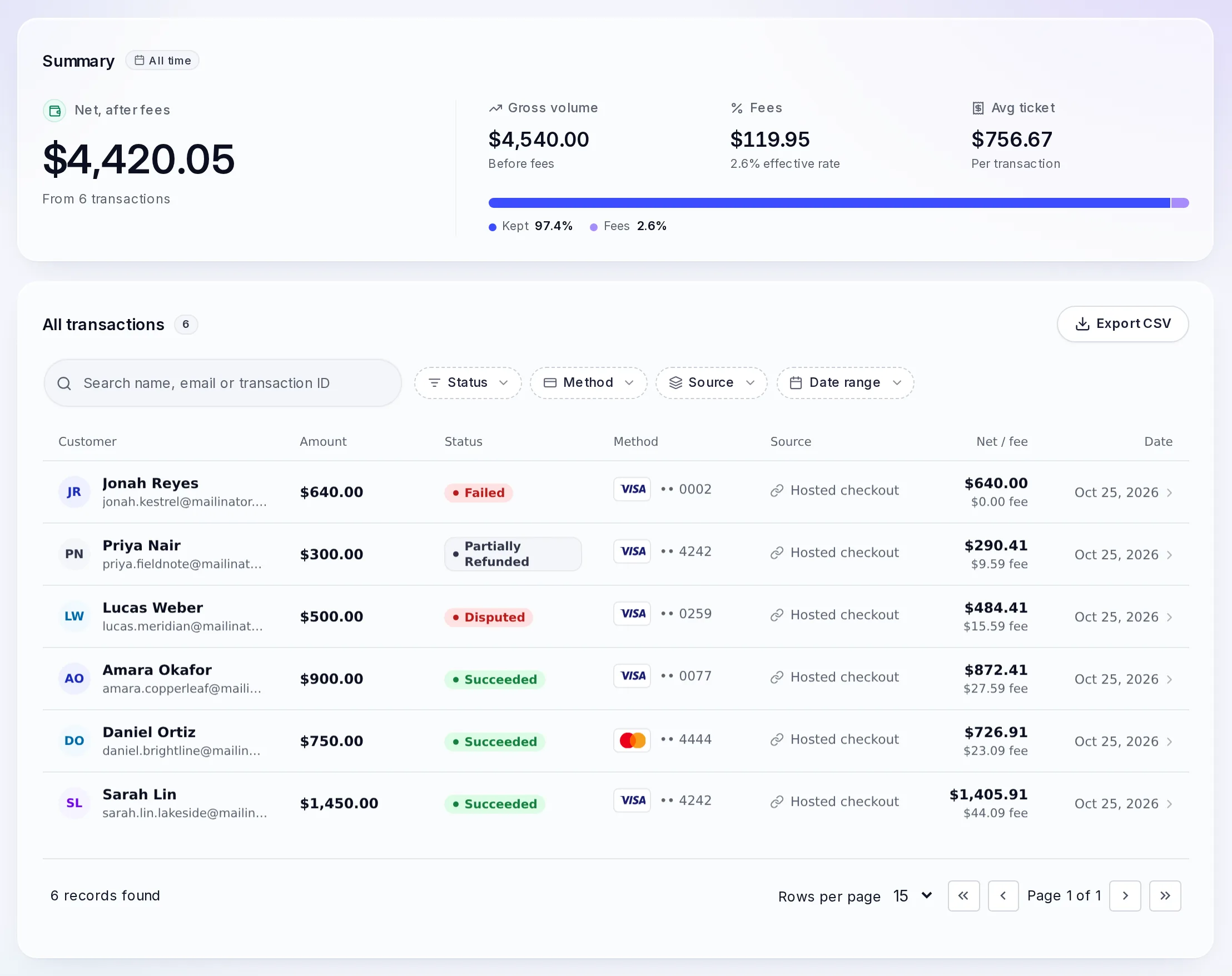
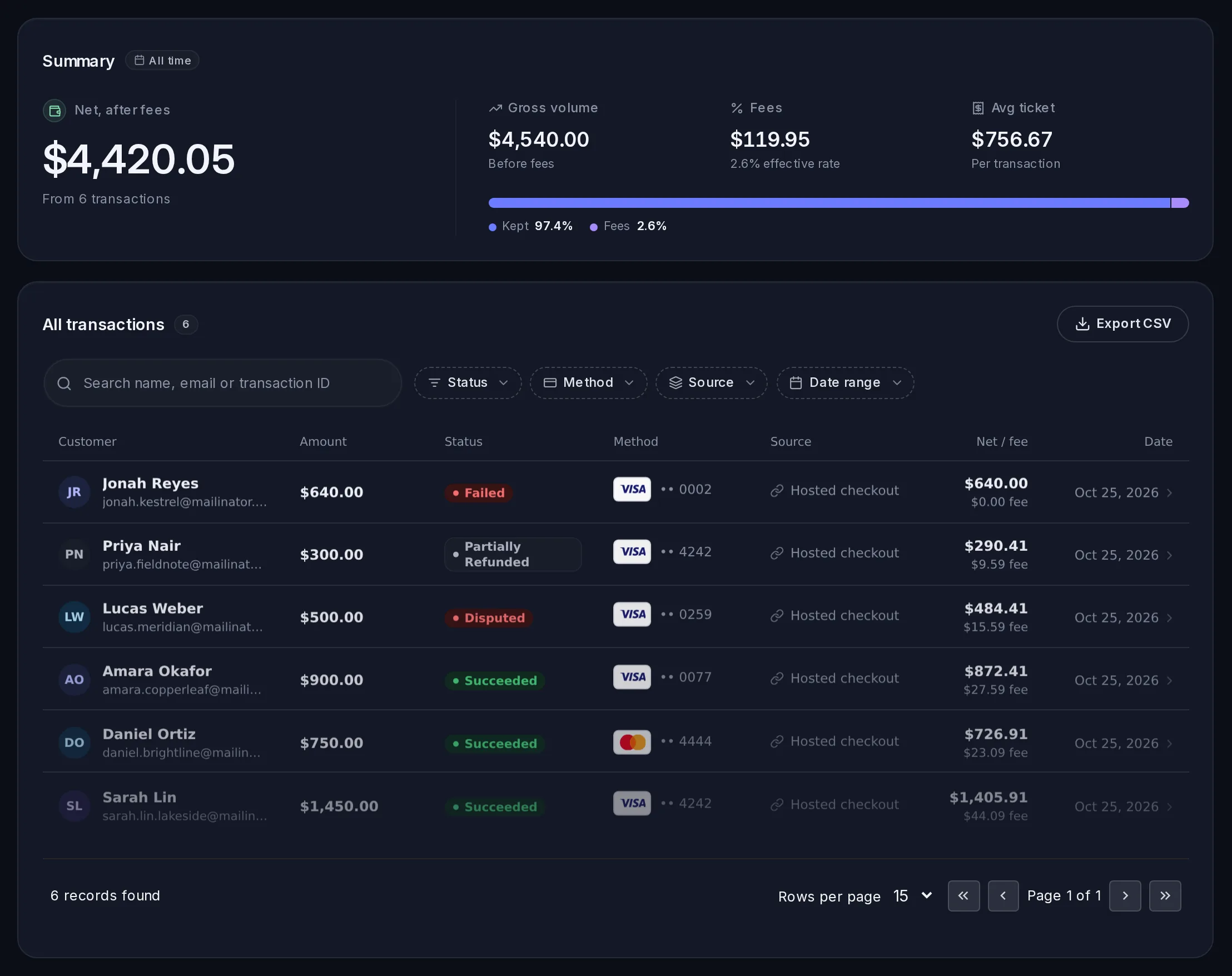
Every payment, in detail
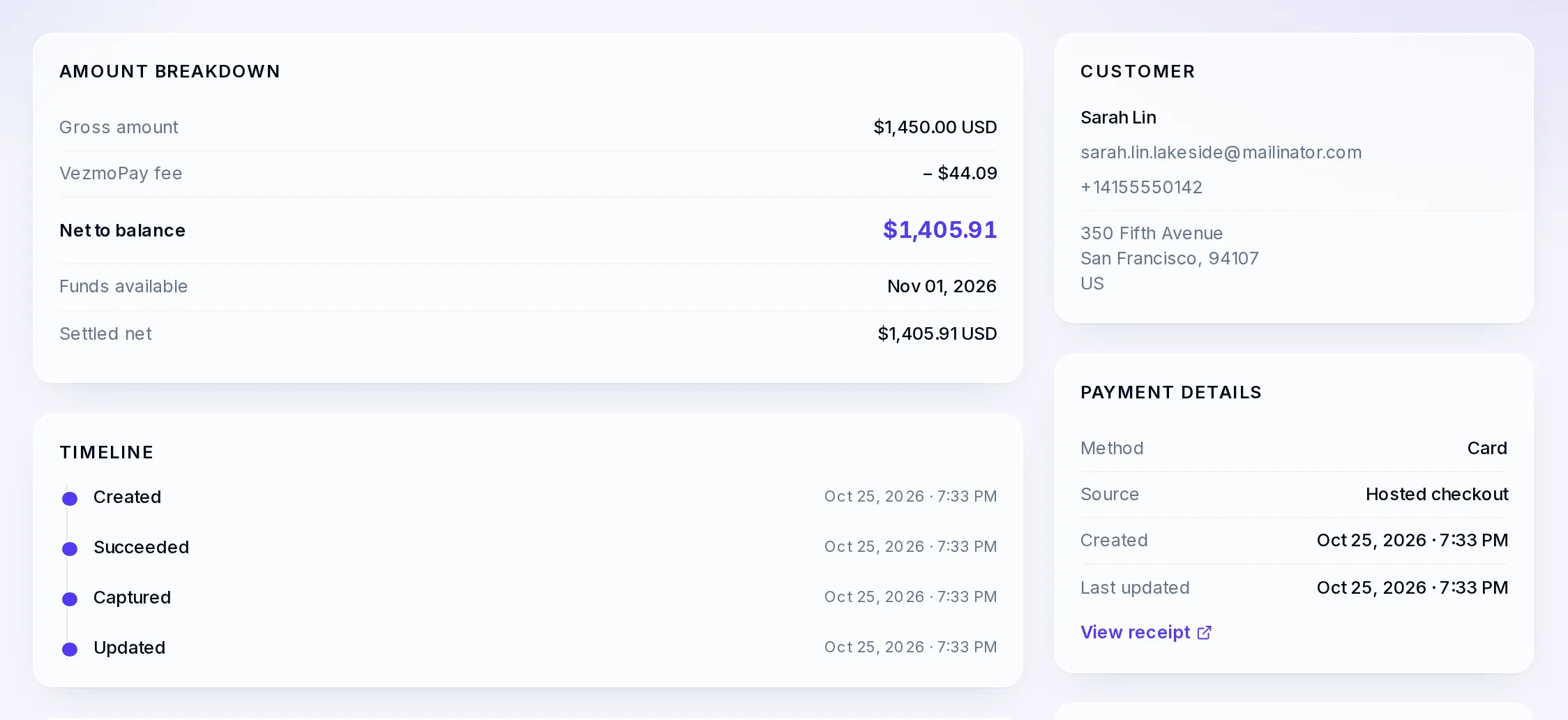
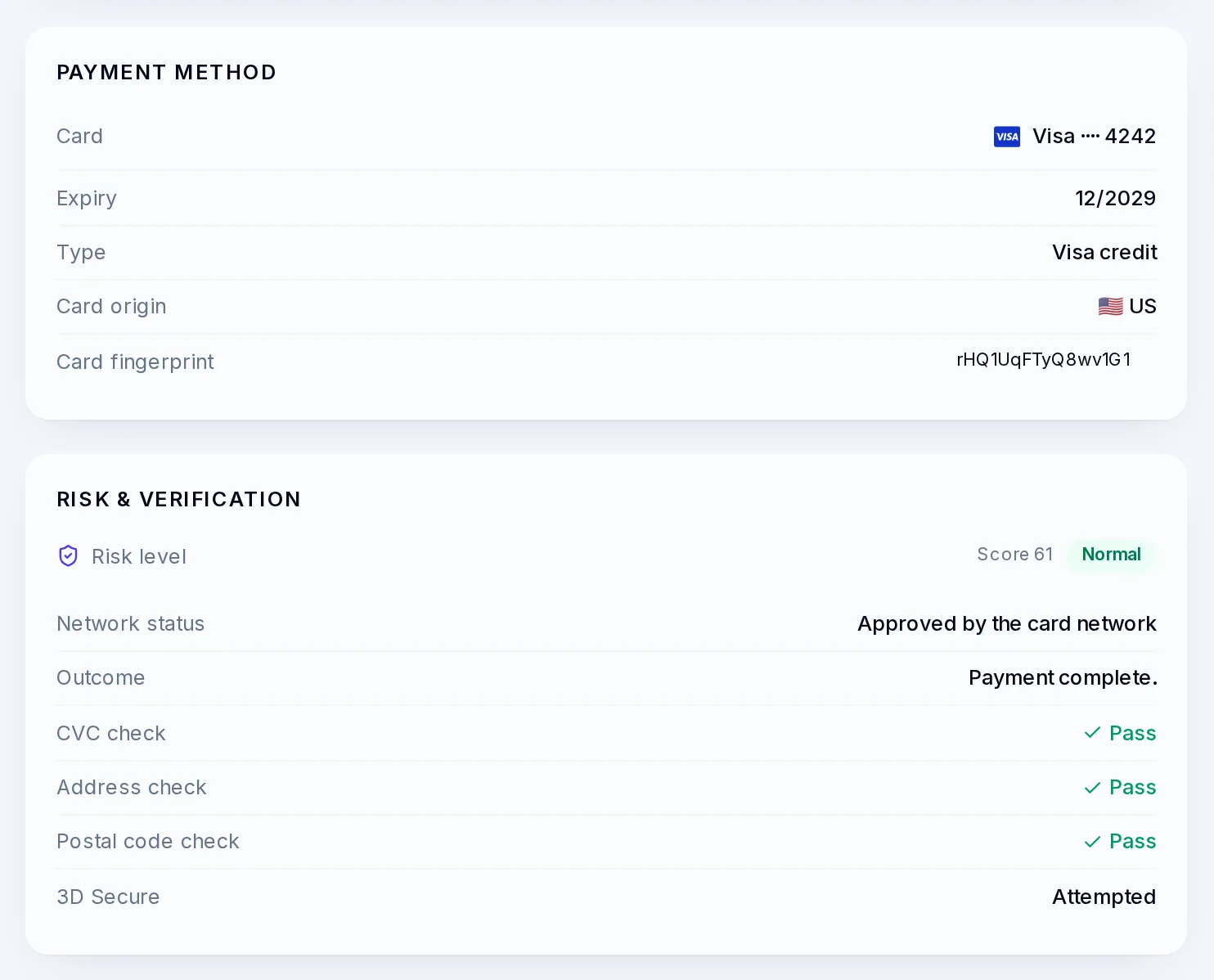
Every payment in one list with its status, card and net after fees. Open one for the fee, when the money is available, the card checks and the customer.
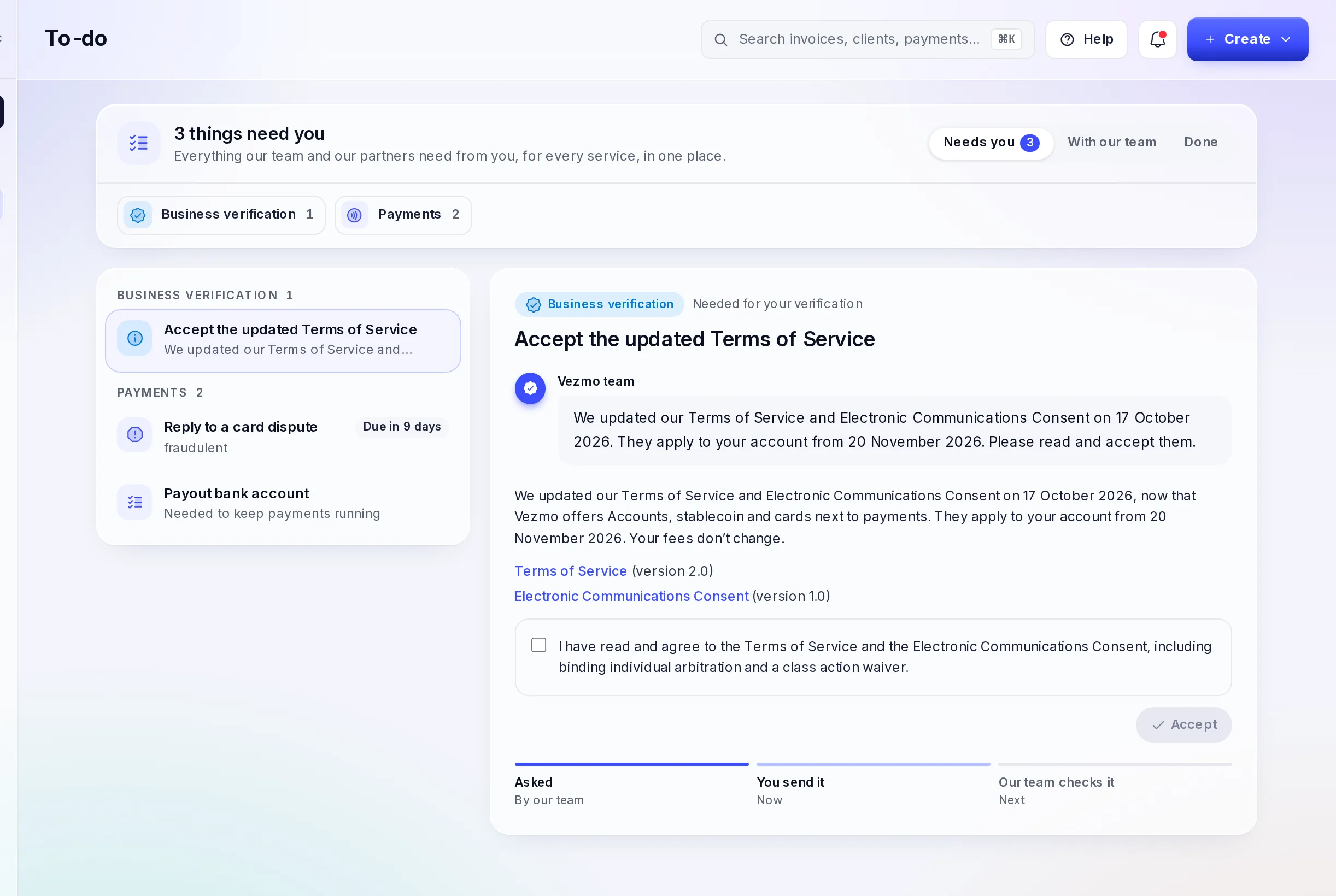
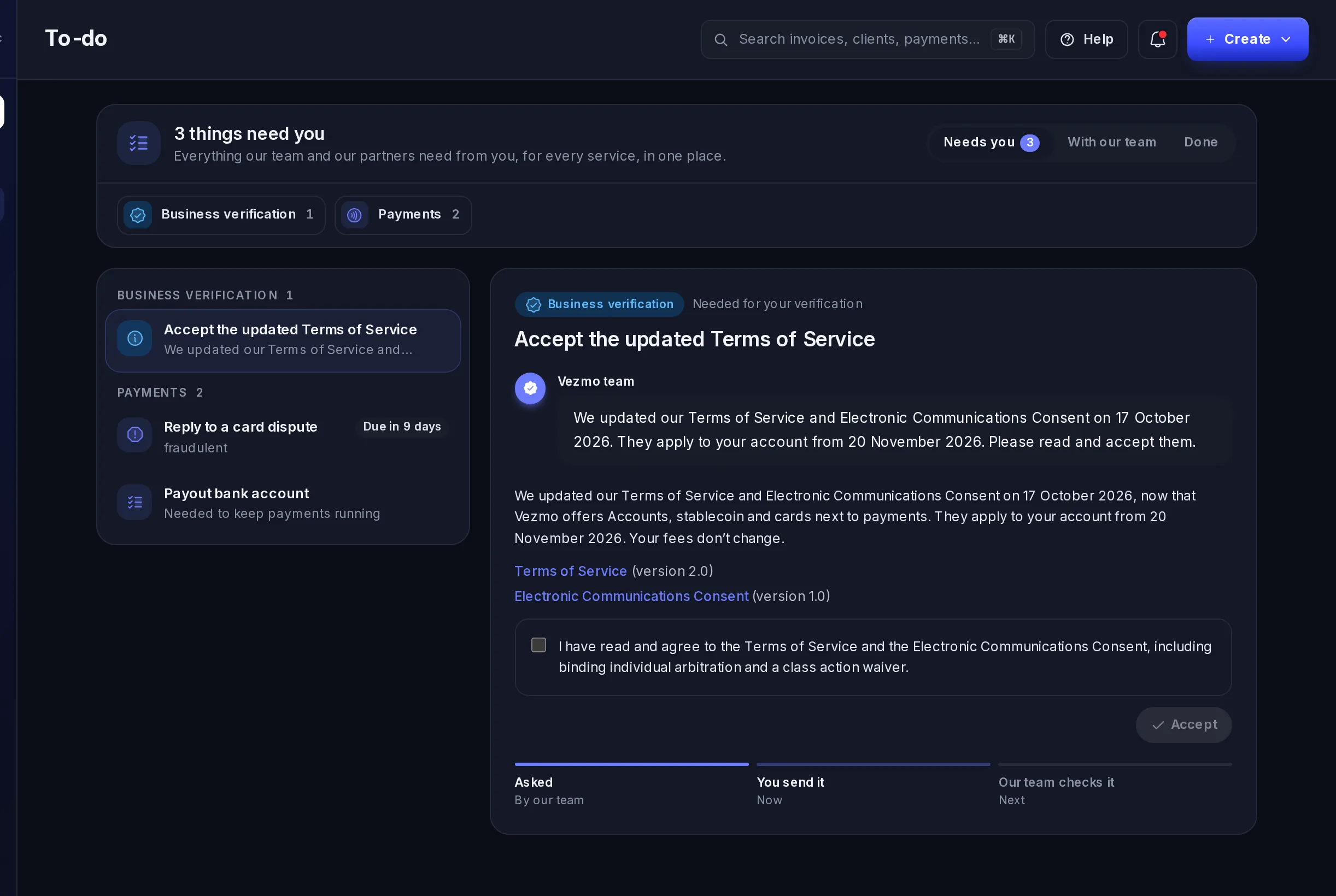
Your To-do
Everything we need from you, for every service, in one list with what to do next.
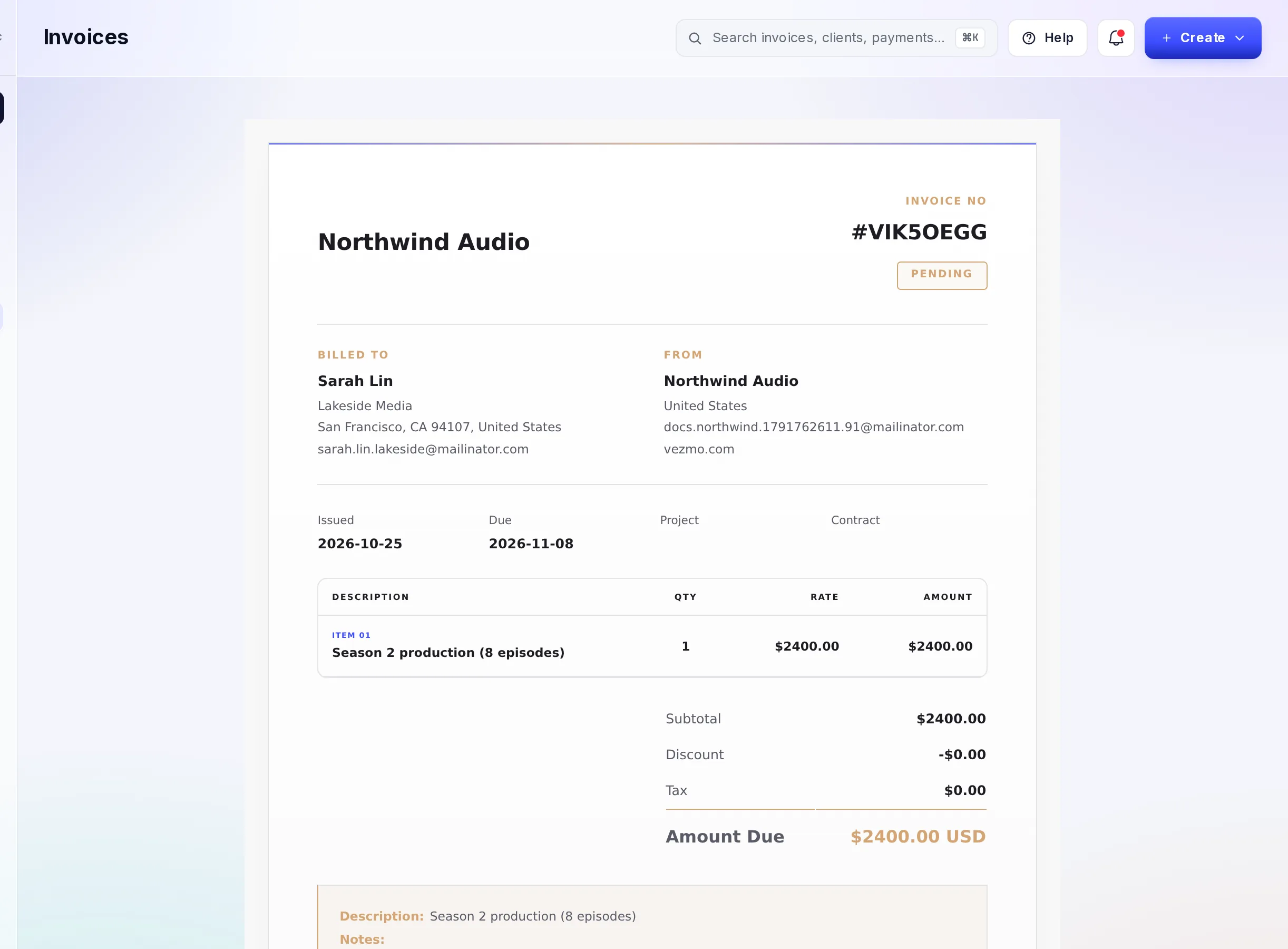
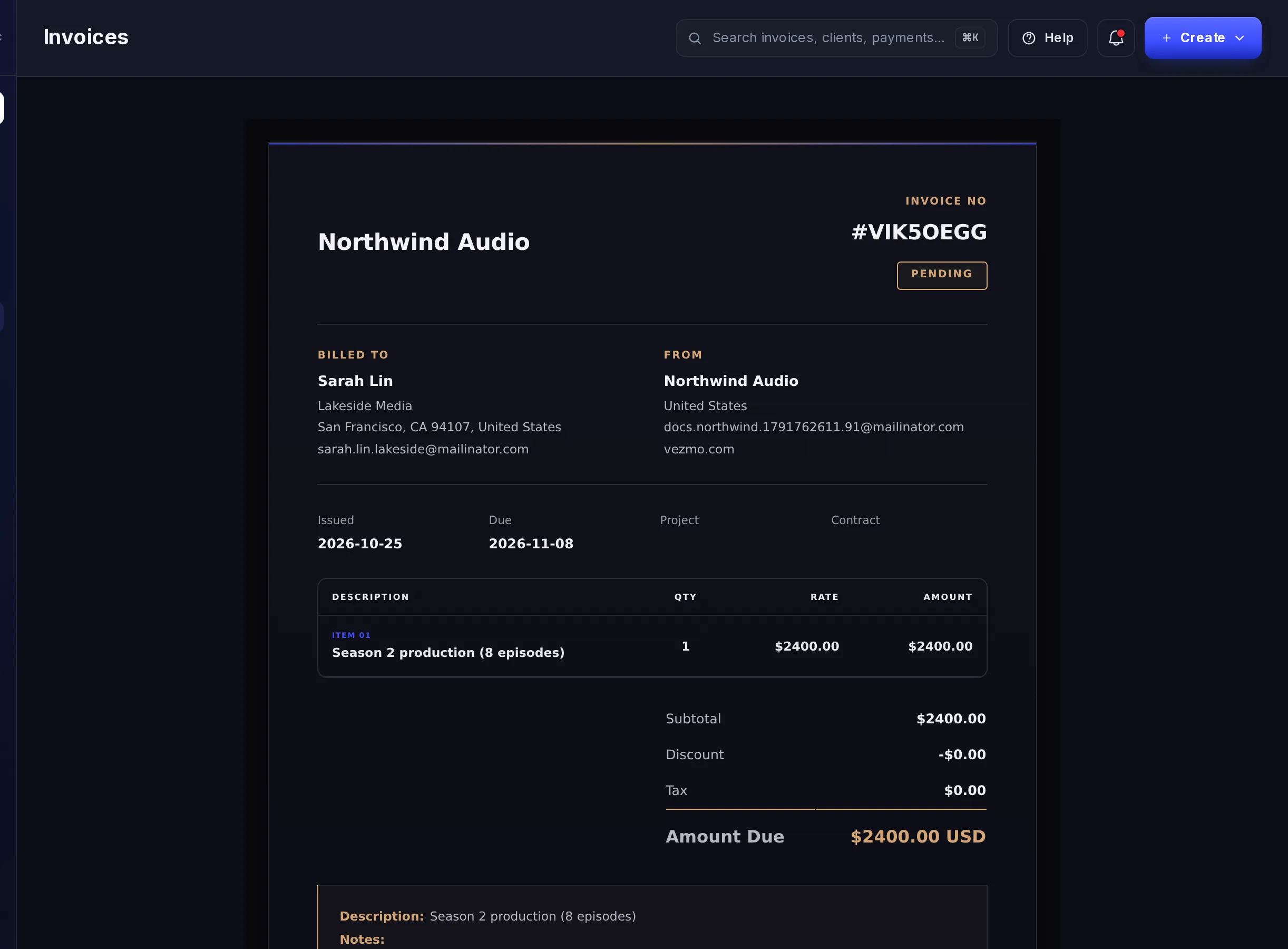
Invoices
Bill a client for your work with line items and a due date. They pay online and you see it here.
Agreements and e-signatures
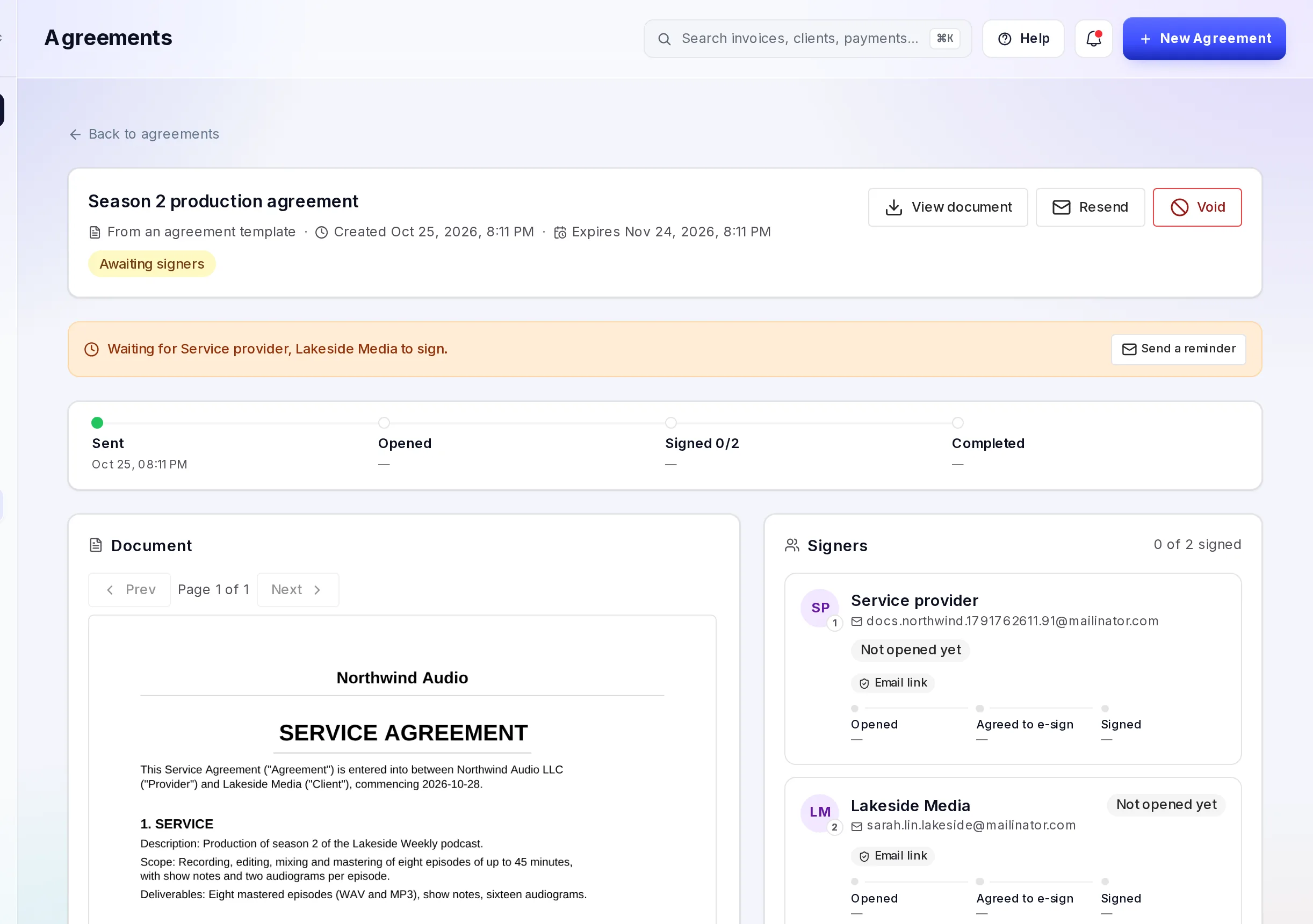
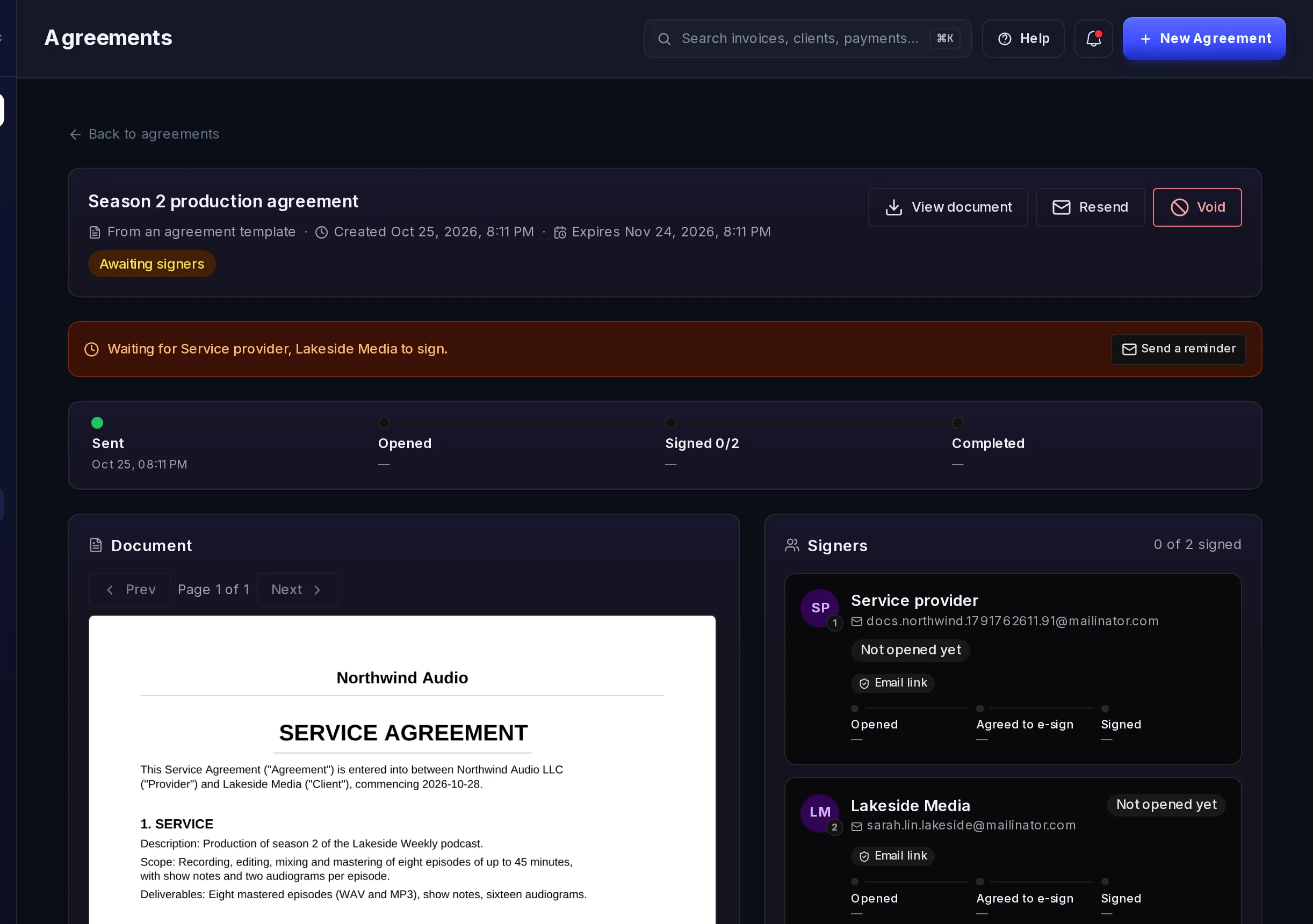
Send an agreement from a template, see who has opened and signed it, and send a reminder.
Popular guides
Get paid
Payment links
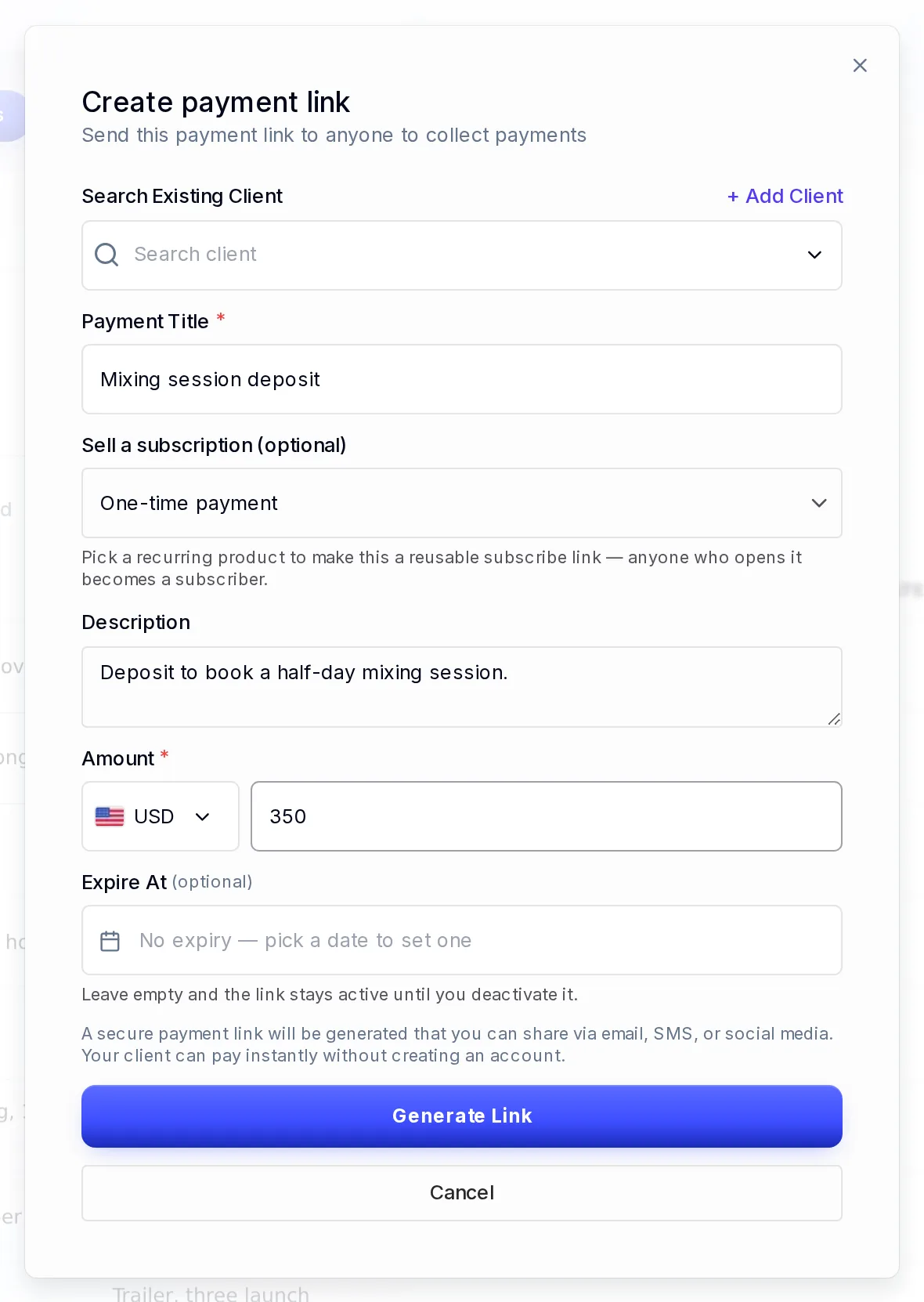
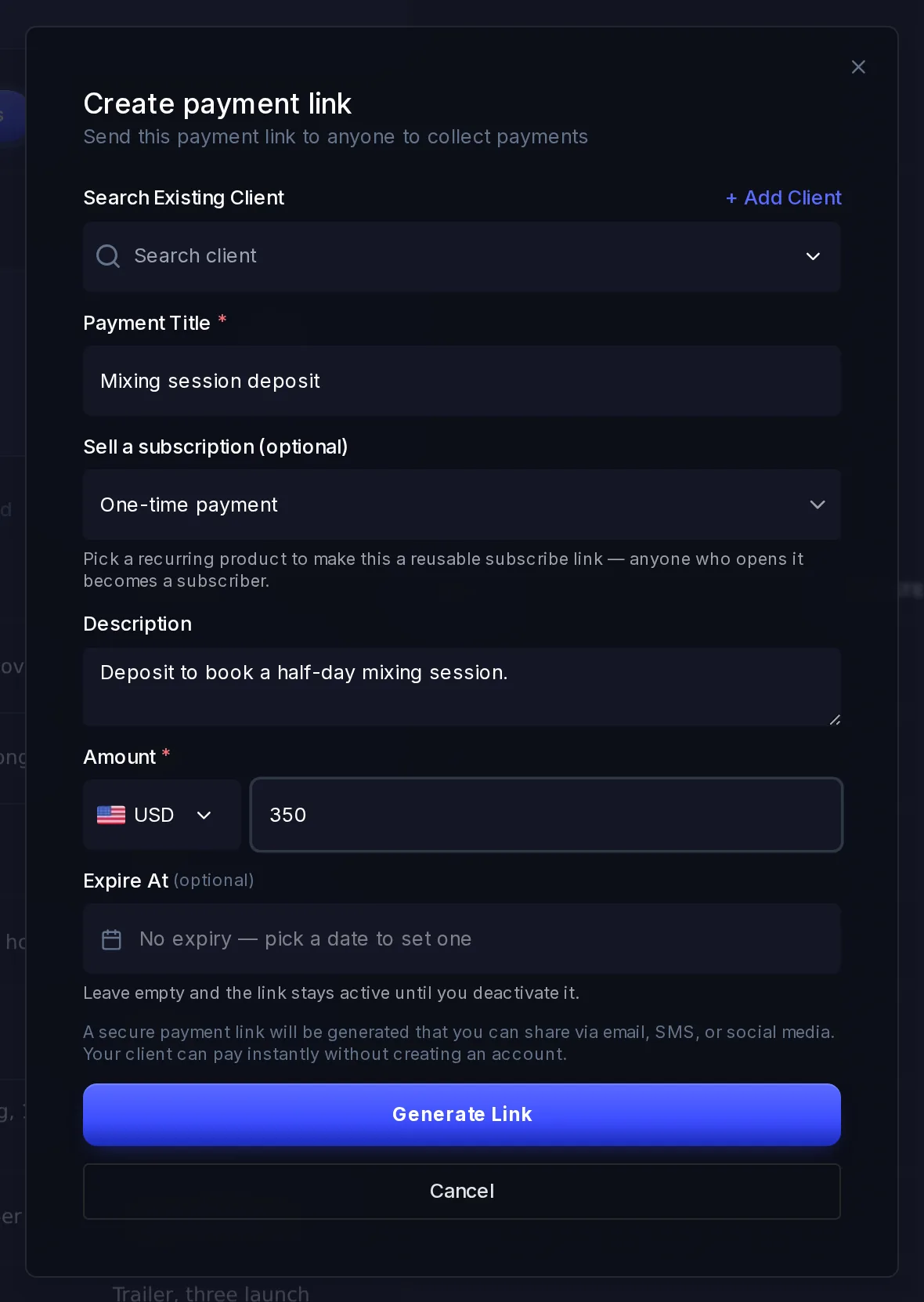
Create a link for a set amount, send it to anyone by email, text or chat, and get paid by card, bank or wallet. No website needed.
Get paid
See a payment's details
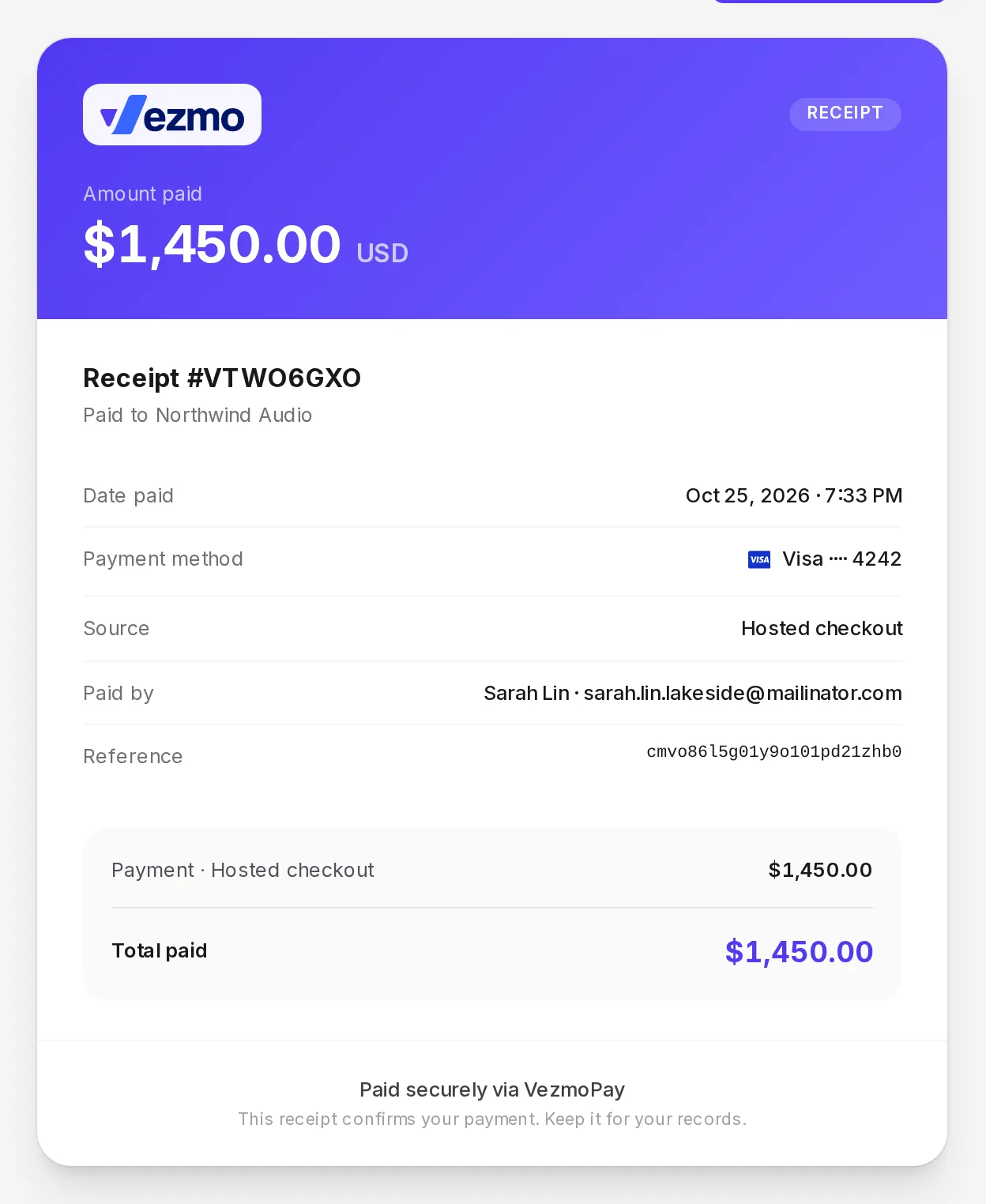
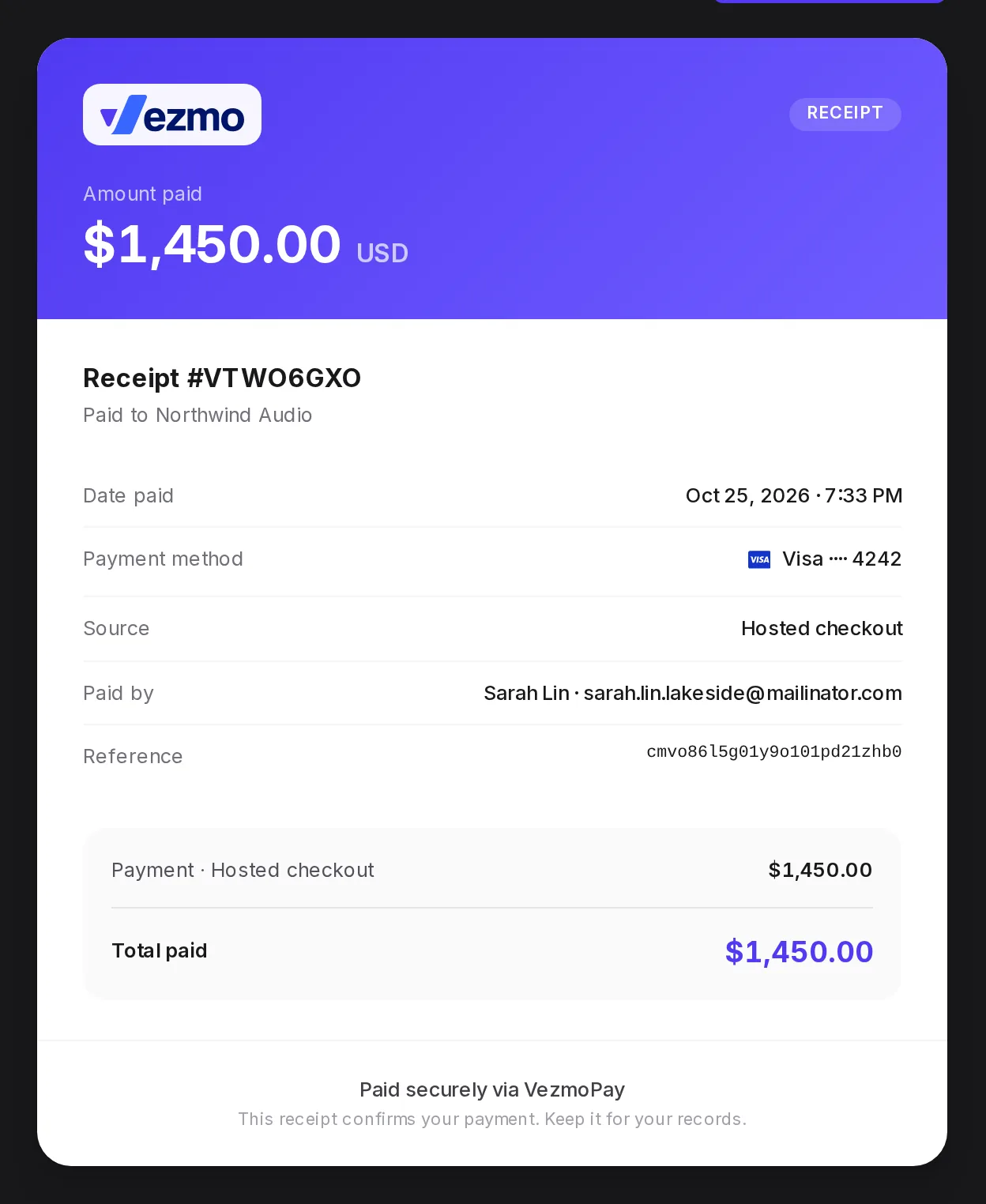
Find any payment, see what your customer paid, the fees, what reaches your balance and when, how they paid, and refund or answer a dispute.
Taxes
Taxes and tax forms
Which US tax form to give us and when, how to sign it in the dashboard, where to see your 1099-K status and download your tax documents, and how tax works on invoices.
Developers
Take payments from your own site or app
Create a hosted checkout with one API call, or build your own with Elements. Webhooks tell your server what happened to each payment.
curl -X POST https://api.vezmo.com/api/v1/merchant/secure-payments \-H "Authorization: Bearer $ACCESS_TOKEN" \-H "Content-Type: application/json" \-d '{"title": "Order #1234","amount": 49.99,"currency": "USD","client": { "name": "Ada Lovelace", "email": "ada@example.com" },"successUrl": "https://your-store.com/order/success"}'
url. Send your customer there to pay.