Taxes and tax forms
Which US tax form to give us and when, how to sign it in the dashboard, where to see your 1099-K status and download your tax documents, and how tax works on invoices.
Overview
There are two kinds of tax paperwork on Vezmo:
- A form you give: a US Form W-9, Form W-8BEN or Form W-8BEN-E that tells us your tax status. You sign a W-9 or W-8BEN in the dashboard when we ask for it; a W-8BEN-E (non-US companies) is sent to you by our team.
- Documents you get: your Form 1099-K status, the form itself if one applies to you, and yearly tax reports, all in VezmoPay › Tax.
Reporting your income is your responsibility. Nothing on Vezmo is tax advice: for anything about your own taxes, ask a licensed tax professional.
How it works
The forms at a glance
| Form | What it is for | Who gives it, to whom |
|---|---|---|
| W‑9 | Gives your correct US taxpayer identification number (TIN). | A US person or US company, to the business that asks for it. |
| W‑8BEN | Confirms you are a foreign (non-US) person, for US tax withholding and reporting. | A non-US individual or sole trader, to the business that asks for it. Not sent to the IRS. |
| W‑8BEN‑E | The same, for a non-US company or other entity. | A non-US company, to the business that asks for it. Not sent to the IRS. |
| 1099‑K | Reports the total card and other payment network payments a business received in a year. | If one applies to you, you receive a copy and use it when you report your income. |
Which form you give
- For a person, the dashboard treats you as a US person if you are a US citizen or your address is in the United States. A US company is one registered in the United States.
- A non-US company gives a W-8BEN-E, and only a W-8BEN-E counts for it: a W-8BEN is the form for a person. See Your W-8BEN-E.
When we ask for it
We ask for a tax form only when your account needs one: before your first payout, in VezmoPay › Payout setup › Tax form ("Required before your first payout"), or as a task on your To-do page.
Sign your W-9 or W-8BEN
Open the form from your task
Select Tax form in Payout setup, or the task on your To-do page. The page names the form your business gives.
Check what we already have
Details from your business verification, such as your name and address, are shown under From your verification, so you don't type them again.
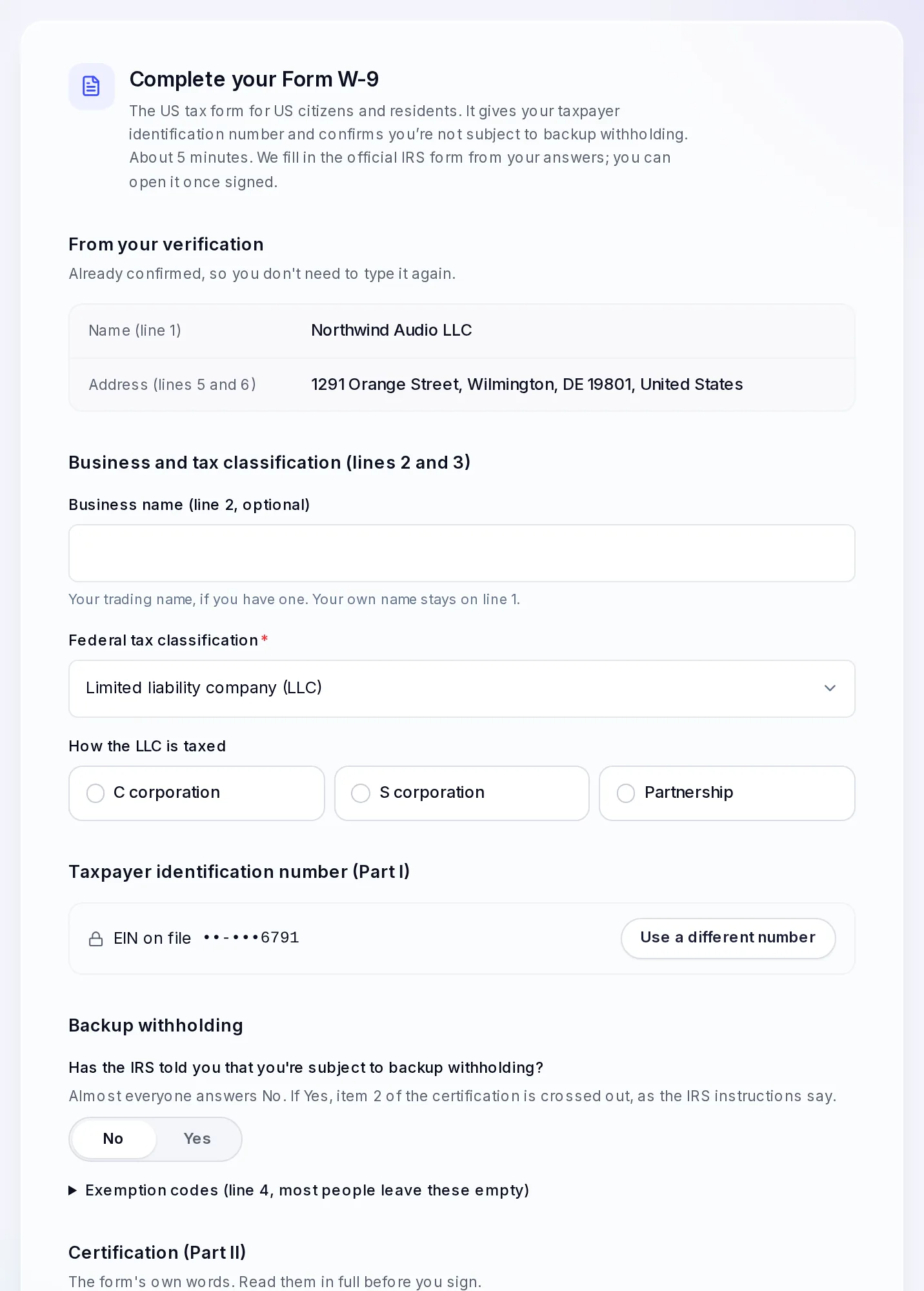
A W-9 for a US company, filled in from its verification. Fill in the rest
For a W-9: your business name if you trade under another name (line 2), your federal tax classification, your taxpayer identification number, and whether the IRS has told you that you are subject to backup withholding.
For a W-8BEN: your country of citizenship, date of birth, permanent address, your tax identification numbers and, if you claim one, a tax treaty benefit (Part II). Anything we already have from your verification is filled in, so you type only what's missing.
Read the certification and sign
The form's own certification is shown word for word. Tick the certification boxes, then type your full name exactly as it appears on line 1, and select Sign Form W-9 or Sign Form W-8BEN. Only the person named on line 1 can sign. Your typed name is your electronic signature: we record it with the time, your IP address and your browser, and add them to the signed PDF.
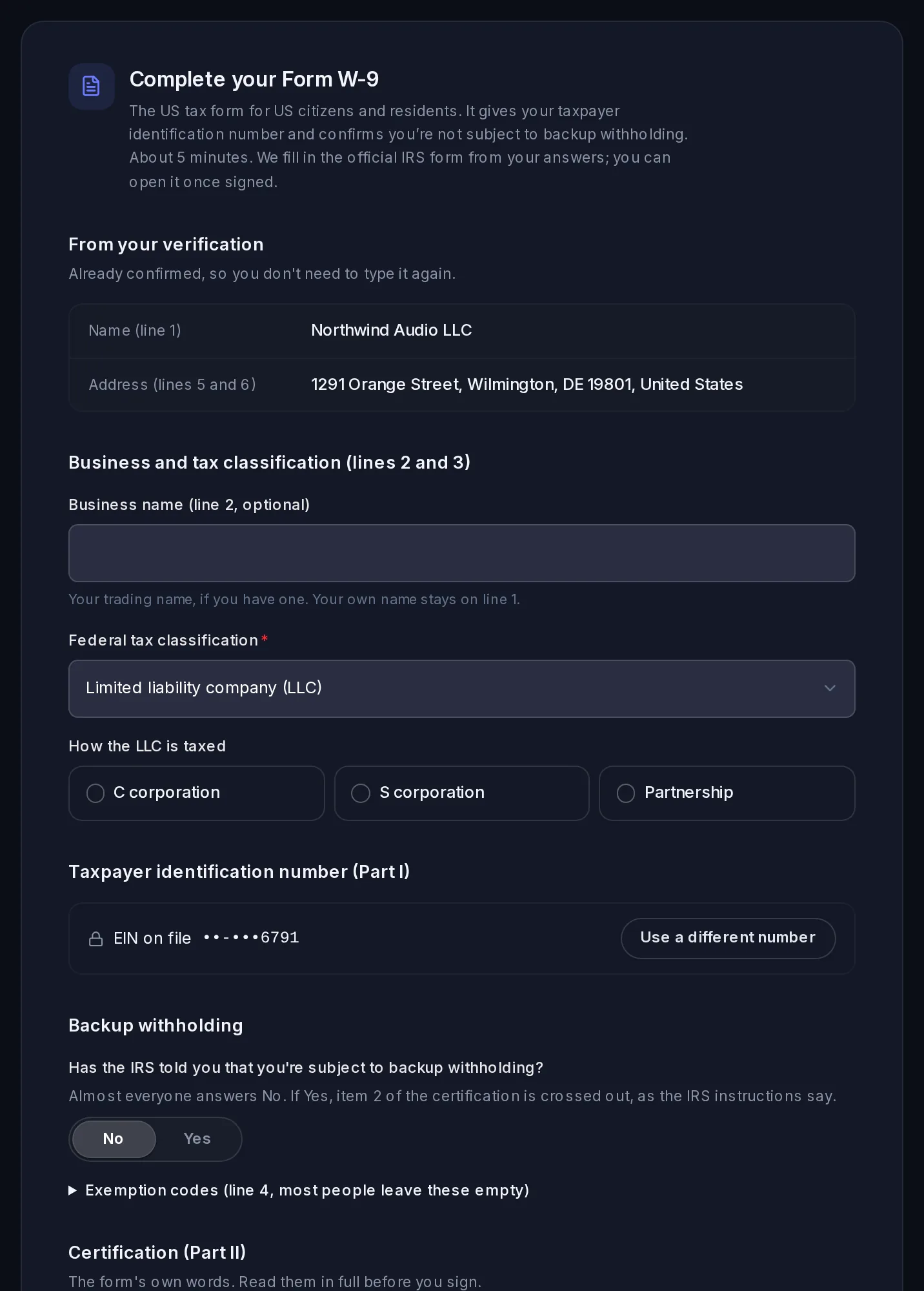
We fill in the official IRS form (Form W-8BEN, Rev. October 2021; Form W-9, Rev. March 2024) with your answers. Once signed, the page shows who signed and when, how long the form is valid, and a View PDF button for your copy.
Your W-8BEN-E (non-US companies)
A W-8BEN-E isn't completed in the dashboard. Our team sends it to you to sign, and records it when you send it back. Your Tax form step shows where it stands:
- We'll send you Form W-8BEN-E: our team sends you the form. There is nothing to fill in on the page. Not received it within a few days? Contact us.
- You sign it for your company and send it back to us.
- Form W-8BEN-E received: we have recorded it. The page shows who signed it and when, the date it is valid until, and a View PDF button for your copy. Payouts can go from then on.
Until it's recorded, the balance page and your To-do say We'll send you Form W-8BEN-E to sign. Once we have it back, payouts are on. The To-do shows this task as with us, not as something you have to do.
How long a form lasts
- A W-8BEN stays valid until the end of the third calendar year after you sign it. For example, a form signed in 2026 is valid until December 31, 2029. We remind you on your To-do page in the 60 days before it runs out.
- A W-8BEN-E lasts the same way. Before it runs out, we send you a new one to sign.
- A W-9 has no end date.
- If your name, country or address changes, we ask you to sign a new tax form. The IRS asks you to give a new W-8BEN within 30 days of a change that makes your old one wrong (instructions).
Your 1099-K and tax documents
Go to VezmoPay › Tax. It shows your 1099-K status for the year, any 1099 forms, the tax details we have, and your tax reports.
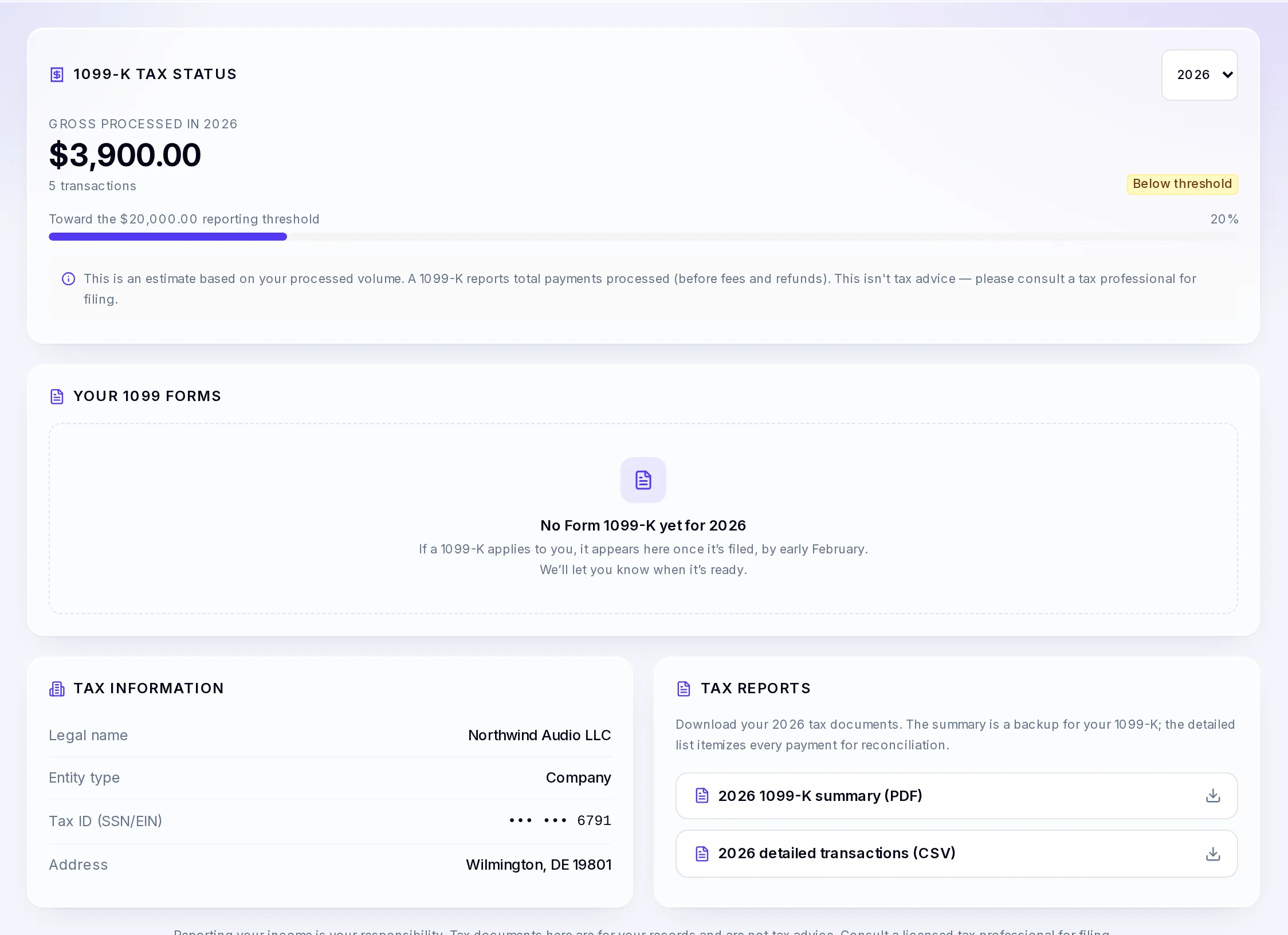
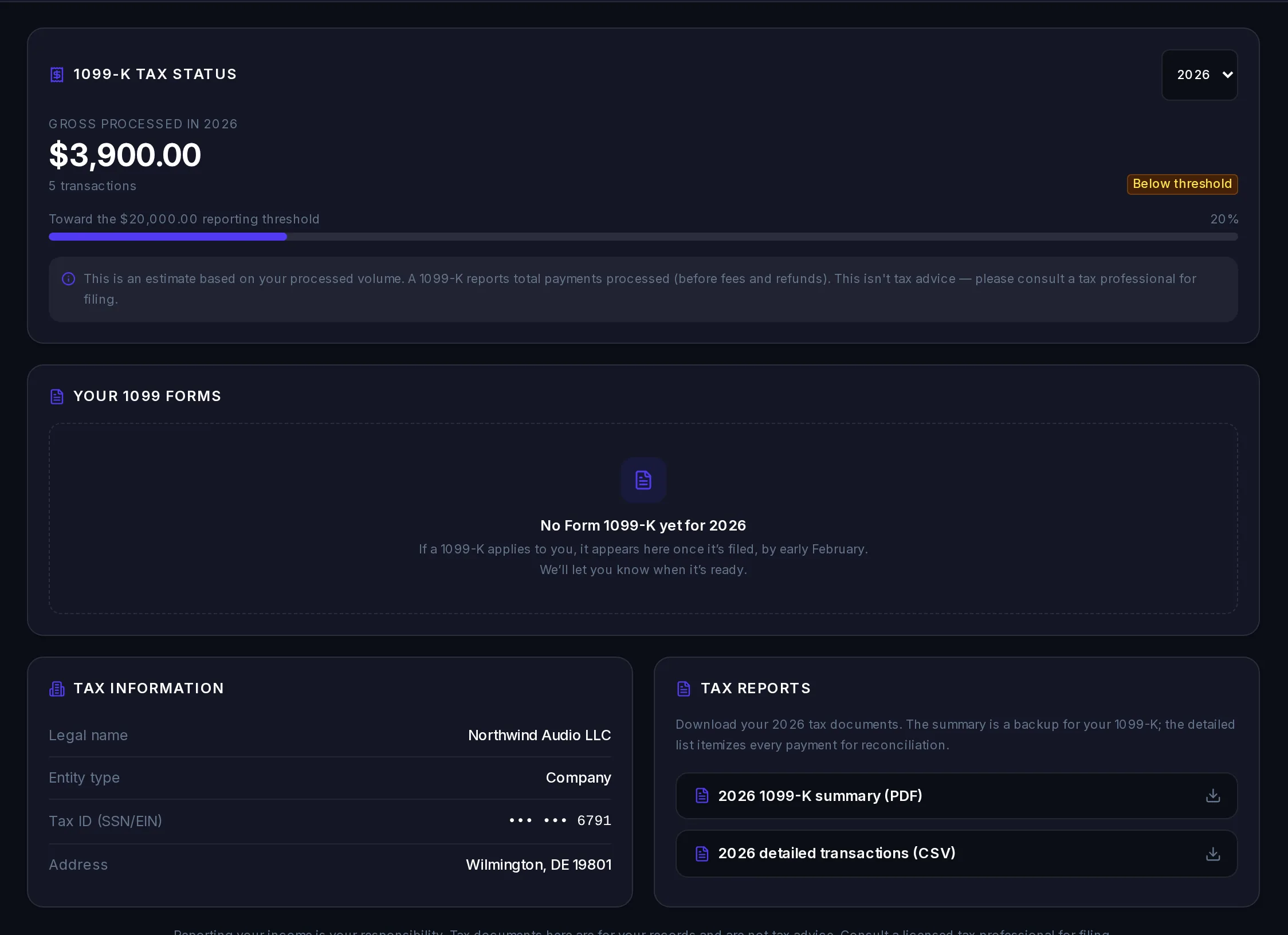
- 1099-K tax status
- The total you processed in the year you pick (before fees and refunds), the number of payments, and how close that is to the reporting threshold, with On track for a 1099-K or Below threshold. It counts live payments only. If your state has a lower threshold, the page says so. It is an estimate, not a tax determination.
- Your 1099 forms
- US businesses only. Each Form 1099-K that applies to you, with the date it was issued and Download PDF. A corrected form is marked Corrected, and the one it replaces Replaced by a corrected form.
- Tax information
- The legal name, entity type, tax ID (masked) and address we have for your business.
- Tax reports
- A 1099-K summary (PDF): your account statement for January 1 to December 31, useful to check against a 1099-K. A detailed transactions (CSV): totals by category, then every payment of the year, one row each.
About Form 1099-K
A Form 1099-K reports the gross amount of payments you received through payment cards and payment networks in a calendar year, without taking off fees, refunds or other adjustments (IRS: Instructions for Form 1099-K).
- Reporting threshold: for payments through third-party payment networks, the IRS threshold is more than $20,000 and more than 200 transactions in a year (IRS FAQs on the 1099-K threshold). For payments made directly by card there is no minimum (IRS). Some states set lower thresholds.
- When you get it: the IRS deadline for sending recipients their copy is January 31 of the year after the payments (IRS). If a 1099-K applies to you, it appears in Your 1099 forms and we let you know when it's ready.
- What you do with it: keep it with your records and use it when you report your income. Check the amount against your own records and the 1099-K summary.
Get your 1099-K electronically
When your dashboard offers it, Your 1099 forms shows Paperless delivery with Go paperless. Read the terms, open the sample PDF to check you can read it, then tick the box and select Agree and go paperless. Your forms then arrive in the dashboard, and we email you when one is ready. You can switch back to paper at any time with Stop paperless; we confirm by email.
If your tax ID is missing
If we don't have a tax ID (SSN or EIN) for your US business, VezmoPay › Tax shows Add your tax ID to avoid withholding, because without one, IRS backup withholding may apply to your payouts. Select Complete Form W-9 to add it; most of the form is filled in from your verification. The Add your tax ID task on your To-do page opens the same form. If the number on file is wrong, contact support.
Sales tax on invoices
Vezmo doesn't calculate sales tax or VAT for you. You can add it yourself on invoices:
- On each invoice line, enter a Tax Rate (%). It is applied after any discount on that line.
- The invoice and its PDF show the tax as its own Tax line in the totals.
Payment links have no tax setting, so include any tax in the link's amount.
What happens when
I don't give a tax form when you ask
Your payout setup stays incomplete. A business outside the United States can't get its first payout until the right tax form is on file: a W-8BEN (individuals and sole traders) signed in the dashboard, or a company's W-8BEN-E, once we have it back signed.
My W-8BEN or W-8BEN-E runs out
You get a Renew your tax form task in the 60 days before. Sign a new one from the task. If it runs out first, the task reads Sign a new tax form, and payouts wait until you sign it.
For a company's W-8BEN-E, the task reads We'll send you a new Form W-8BEN-E: we send it, you sign it and send it back, and payouts go again once we've recorded it.
My 1099-K amount looks wrong
A 1099-K shows gross payments, before fees and refunds, so it is usually higher than what reached your bank. Compare it with your 1099-K summary (PDF) for the same year. If it still doesn't match, contact support.
I'm outside the United States
Your 1099 forms is only shown to US businesses. The rest of VezmoPay › Tax is still there, and you may be asked for a W-8BEN or W-8BEN-E.
Related
Facts checked against the product on 25 Oct 2026.
Was this page helpful?