Test mode and live mode
What test mode is, the Test mode switch and banner in VezmoPay, the test card, trying payments before your business is approved, emails that only reach your team, what stays live, why the switch is kept per browser, and what your clients see.
Overview
VezmoPay has two worlds. Live mode is your real business: real payments, real money, real payouts. Test mode is a sandbox beside it, where payments use test card details and never move real money. Test payments, refunds and disputes work like live ones, so you can try the whole flow before you take a real payment.
Test payments are made with a test API key, from your own site, app or integration. The Test mode switch in the dashboard then shows you that test world in VezmoPay.
Switch test mode on
Open VezmoPay
Go to Payments › VezmoPay.
Turn on Test mode
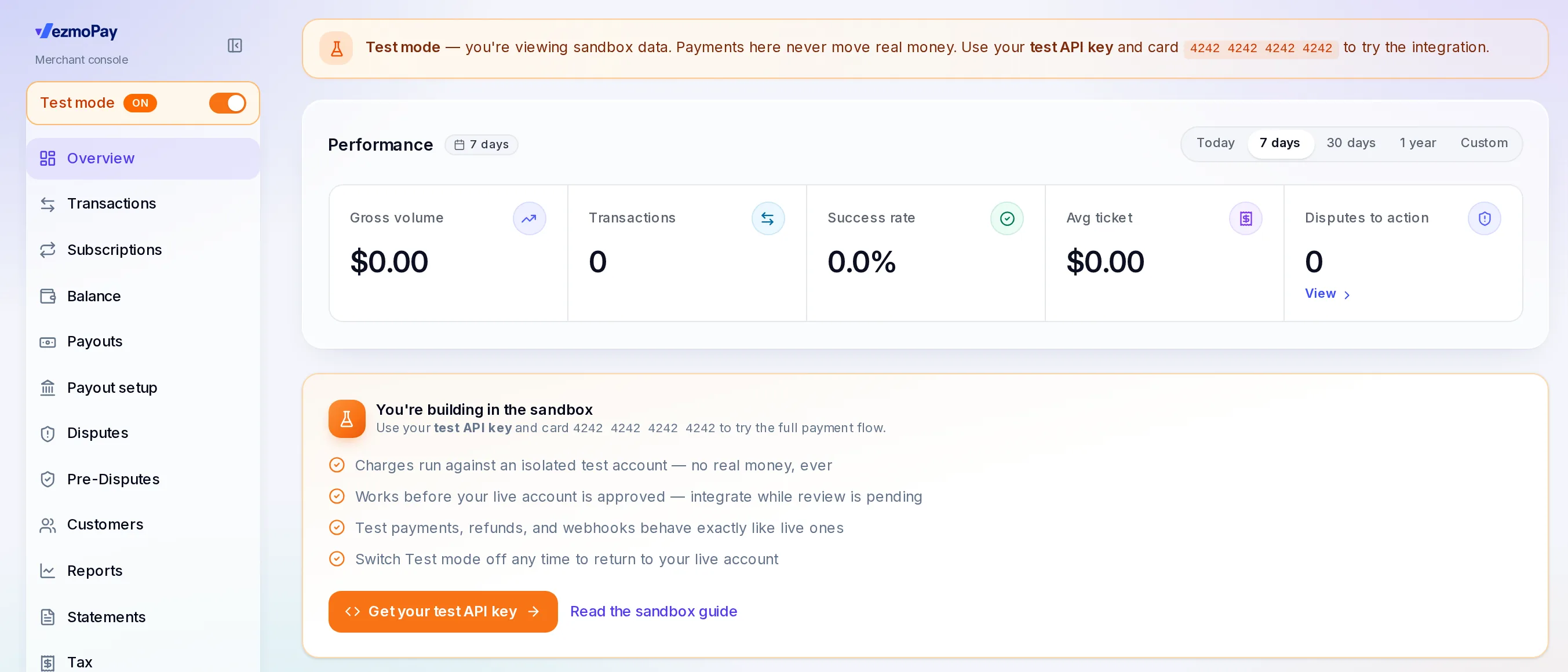
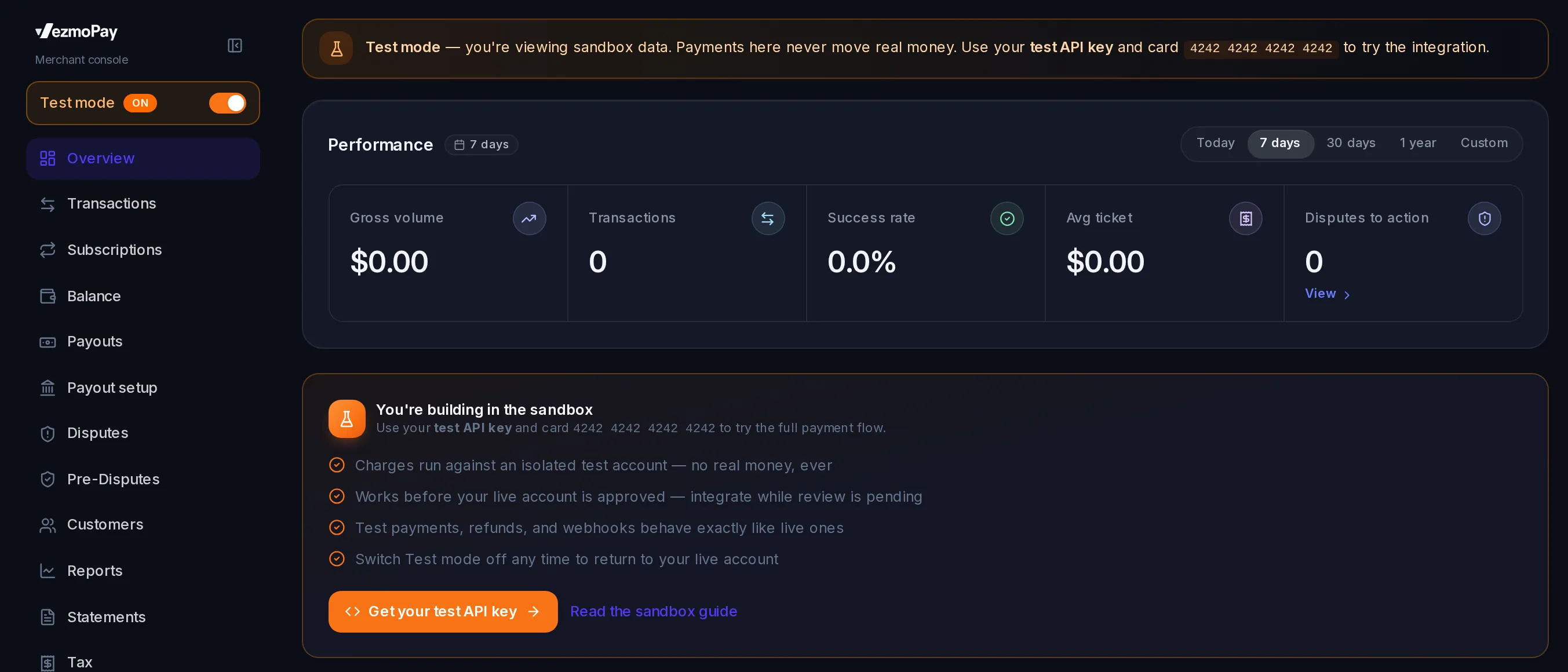
At the top of VezmoPay's menu, turn on Test mode. The switch turns orange and reads On.
Look at your test data
An orange banner shows on every VezmoPay page while test mode is on: Test mode — you're viewing sandbox data. Payments here never move real money.
To go back to your live business, turn Test mode off.
What changes in test mode
| In VezmoPay | In test mode |
|---|---|
| Overview | You're building in the sandbox, with Get your test API key and a link to the sandbox guide. |
| Transactions, Subscriptions, Balance, Disputes, Customers, Reports | Your test data only. |
| Payouts | Payouts aren't simulated in test mode. Test payments build up a balance, but nothing is paid out to a bank. |
| Developers | Your test API keys. Your live keys are hidden while test mode is on. |
| To Do and live account notices | Hidden. They come back when you turn test mode off. |


Try a payment
Get a test API key
Turn on test mode, then select Get your test API key on the Overview (or go to Developers). Test keys run your whole integration against the sandbox.
Make a test checkout
Use the test key from your own site or app: a checkout, a payment link or an invoice made with a test key is a test one. See the sandbox guide in the API reference.
Pay with the test card
Pay with card number 4242 4242 4242 4242. The payment shows in VezmoPay while test mode is on.
Before your business is approved
Test mode works before your business is verified and payments are on. While your review is going on, you can turn on test mode, get a test API key and build your integration; the whole VezmoPay console opens in test mode. When payments are approved, swap the test key for a live one.
What stays live
The switch changes what VezmoPay's pages show. It doesn't change anything else:
- Home on your Dashboard always shows your live business.
- Invoices, payment links and proposals you make in the dashboard are always live, whatever the switch says. A client who pays one pays for real. Test ones are made with a test API key.
- Payouts and your payout bank are live only.
The switch is kept per browser
Vezmo remembers the switch in the browser you turned it on in, and every tab in that browser follows it. Another browser, another device or a teammate has their own switch: you may be in test mode while a teammate, or you on your phone, sees live data. If you clear your browser's data, test mode is off again.
Check the switch, or look for the orange banner, before you act on what VezmoPay shows.
Emails in test mode
Test invoices, proposals and subscription links are emailed only to your team's addresses: everyone on your business's team. Any other address, such as a client's, is skipped, and Vezmo says so: In test mode, emails go only to your team's addresses. No real client gets a test email.
What your clients see
A test checkout, payment link or invoice page shows an orange Test mode mark (on wider screens, Test mode · no real money moves). A test proposal shows the same mark, and its invoice is paid with test cards. Live pages never show it.
Questions
I made an invoice with test mode on. Is it a test?
No. Invoices, payment links and proposals you make in the dashboard are live. Test ones are made with a test API key.
My teammate doesn't see my test payments
Their browser has its own switch. Ask them to turn on Test mode in VezmoPay.
Do test payments count toward my plan or my fees?
Test payments never move real money.
Related
- Get started
- See a payment's details
- API reference: test keys, test cards and webhooks.
Facts checked against the product on 9 Nov 2026.
Was this page helpful?
Find your way around the dashboard
The set-up checklist a new business sees, the Home panels and the reporting period, the menu and its sections, search, the Create menu, your profile menu, and the dashboard on a phone.
Your To-do
The To-do page, where everything our team and our partners need from you lands for every service, each kind of item and what to do with it, answering in place, the three states, and how it ties in with the bell and your emails.